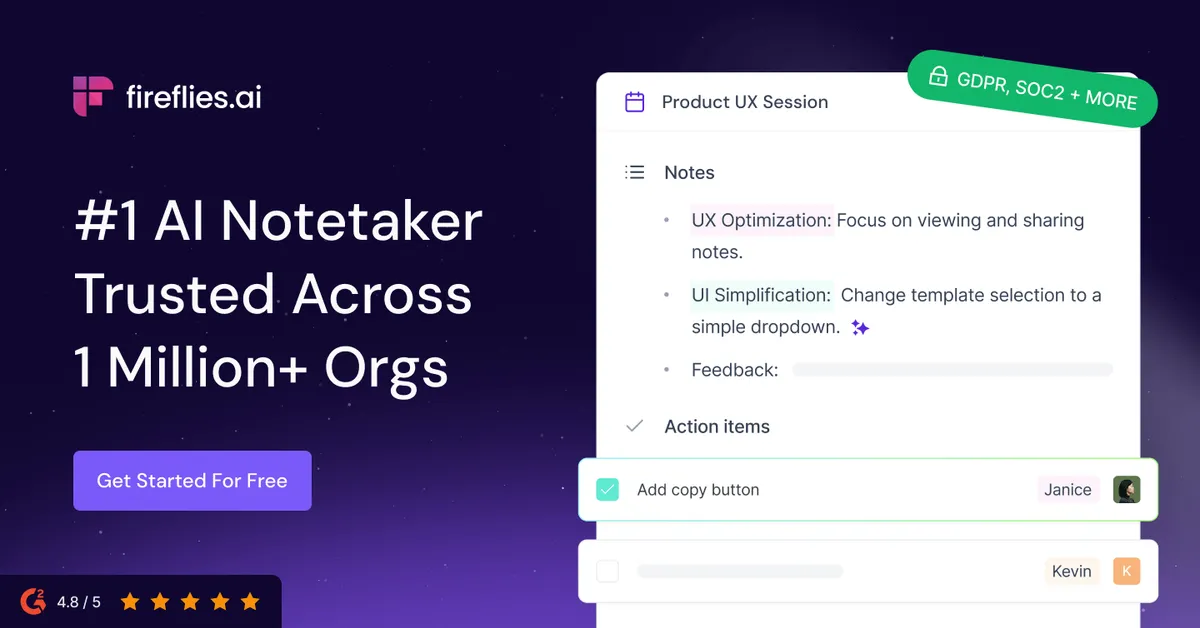

Fireflies.ai sits in a crowded field of automated meeting notetakers, and its positioning is straightforward: capture the conversation, produce a searchable transcript, generate a summary, and expose the result to the tools your team already uses. The vendor states the product is used across more than one million companies. That scale is worth noting, but scale alone does not tell you whether the tool fits your workflow, so the more useful question is what it actually does well and where its constraints bite.
What the product is built to do
At its core, Fireflies is a transcription and summarization engine wrapped in a workspace. Its notetaker bot joins a scheduled call, records it, and turns the audio into a transcript with speaker recognition. The vendor quotes 95% transcription accuracy, which is a claim to treat as a best-case figure rather than a guarantee; real accuracy varies with audio quality, accents, crosstalk, and jargon, as it does with any speech-to-text system. Once a meeting is captured, the platform generates a summary with an overview, bullet points, and action items, and it makes every past transcript full-text searchable in one place.
Capture is not limited to a single method. Fireflies offers the bot via calendar invite, a Chrome extension, mobile apps for iOS and Android, a desktop app, and direct upload of audio and video files (MP3, MP4, WAV, M4A). The upload path matters more than it first appears: it lets you transcribe recordings that never touched a live-bot workflow, such as interviews recorded elsewhere or older archives. The company also lists support for 100+ languages with automatic language detection, which is relevant for distributed teams that don't operate solely in English.
Where the capabilities are strongest
The transcription-plus-search combination is the dependable center of the product. If your problem is "we have meetings and nobody can find what was said in them three weeks later," a searchable central archive of transcripts is a direct solution, and Fireflies handles that job as its primary function.
The layer above that is what the vendor calls conversation intelligence: sentiment analysis, talk-time analytics, topic trackers, and speaker identification. These features are genuinely useful in specific contexts rather than universally. Talk-time metrics and topic tracking are most valuable to sales and customer-success teams who want to review how calls are conducted, coach reps, or flag when certain competitors or objections come up. For a team that just needs notes from an internal standup, most of this analytical layer is overhead you won't touch. Notably, the deeper conversation-intelligence and team-analytics features are gated to the Business tier and above, so the analytical use case effectively requires the higher-priced plans.
Fireflies also offers an AI assistant called AskFred for querying meeting content, a Live Assist feature for real-time suggestions during a call, and what it markets as 200+ AI Skills for task automation. AI credits are the currency that governs these AI actions, and the allotment scales by plan (20 credits on Free and Pro, 30 on Business, 50 on Enterprise). If you intend to lean heavily on the generative features, the credit ceiling — not the transcription limit — is the number to watch.
| Capability | Practical notes |
|---|---|
| Transcription and speaker recognition | Core, reliable function; vendor quotes 95% accuracy, which real-world audio conditions will affect. |
| AI summaries and action items | Unlimited on all tiers, including Free; the everyday payoff for most users. |
| Full-text meeting search | Central archive across past transcripts; the strongest argument for adopting the tool. |
| Conversation intelligence and team analytics | Sentiment, talk-time, topic trackers; gated to Business and above. |
| AskFred / Live Assist / AI Skills | Governed by monthly AI credits (20 to 50 by plan); heavy use hits the credit ceiling. |
| Integrations | Slack, Salesforce, HubSpot, Asana, Trello, Greenhouse, Lever, BambooHR, Aircall, RingCentral, plus an API. |
Practical considerations before you deploy it
Integrations are where the tool earns or loses its keep for a team. Fireflies connects to Slack for notes and alerts, to Salesforce and HubSpot for CRM sync, to Asana and Trello for task hand-off, to recruiting systems including Greenhouse, Lever, and BambooHR, and to dialers such as Aircall and RingCentral. There is also an API for processing your own audio and video files. The recruiting and CRM integrations are the clearest signal of who the vendor is chasing: sales pipelines and hiring pipelines, where a transcript flowing automatically into the system of record removes manual note entry. If your stack isn't on the supported list and you can't build against the API, the value proposition narrows considerably.
Two practical limits deserve attention. First, per-meeting recording length is capped by tier — two hours on Free and Pro, three on Business, four on Enterprise. Long workshops, all-day offsites, or extended interviews can exceed these. Second, storage is measured in minutes and, on the lower tiers, is finite: the Free plan provides 400 minutes per team and Pro provides 8,000 minutes per seat, while Business and Enterprise offer unlimited storage. A high meeting volume will exhaust the Free and Pro allotments faster than a light user expects, which pushes serious adopters toward the unlimited tiers.
On governance, the vendor lists SOC 2 Type II, GDPR compliance, and HIPAA compliance, states that customer data is not used to train AI, and asserts customer data ownership. HIPAA compliance and private storage, however, are tied to the Enterprise plan, so regulated-industry buyers should not assume those controls are available on cheaper tiers. As with any tool that records conversations, note that consent and recording-notification requirements vary by jurisdiction and are your responsibility to manage.
Pricing and where the value lands
Fireflies uses a freemium, per-seat model. The Free plan costs nothing, includes unlimited transcription and unlimited AI summaries, and is a legitimate way to evaluate the product rather than a token trial — its main constraints are the 400-minute team storage, 20 AI credits, and a two-hour recording cap. Paid tiers, at annual-billing rates, are Pro at $10 per seat per month, Business at $19, and Enterprise at $39; monthly billing runs higher, with Pro at $18 and Business at $29. Enterprise is annual-billing only.
The pricing logic tracks the feature gating cleanly. Pro's headline additions are video recording, transcript downloads, and the AI-skills and voice-agent features. Business unlocks the analytical layer — conversation intelligence, team analytics, multi-language mode — plus unlimited storage. Enterprise adds SSO and SCIM, HIPAA, private storage, audit logs, and a dedicated account manager. In value terms, individuals and small teams whose need is documentation are well served by Free or Pro; the jump to Business is justified only if you actually use conversation intelligence or need unlimited storage; and Enterprise is an administration-and-compliance purchase more than a features purchase. You can compare it against other options in the AI meeting assistant category before committing.
The limitations worth weighing
The accuracy figure is a vendor claim, and no automated transcription is immune to error on poor audio, heavy accents, or dense domain terminology — plan to spot-check anything you'll act on contractually. The recording-length caps make the tool awkward for long-form sessions. AI-driven features are metered by credits, so the generative capabilities are not truly unlimited even where transcription is. The most useful analytics sit behind the Business tier, which means the "intelligence" part of conversation intelligence is a paid upgrade rather than a baseline. And the whole model assumes you are comfortable with a bot recording and storing your conversations in a third-party cloud, which is a policy decision some organizations cannot make lightly.
Verdict
Fireflies is a competent, broadly integrated meeting notetaker whose strongest, most defensible value is turning spoken meetings into a searchable, summarized archive that flows into CRM and recruiting systems. It is a sensible default for sales, customer-success, and hiring teams that live inside those integrations, and its Free tier is generous enough to test the fit honestly. It is a weaker fit for teams that run long sessions, that need the analytical features but balk at the Business price, or that operate under recording constraints the tool's cloud model complicates. Evaluate it on the Free plan against your real meeting volume and your specific integrations rather than the headline company count. For broader comparison, browse the full tools directory or related write-ups on the blog.
Common questions about Fireflies.ai
Which meeting platforms and capture methods does Fireflies support?
The vendor documents capture through a notetaker bot via calendar invite, a Chrome extension (used with Google Meet), mobile apps for iOS and Android, a desktop app, and direct upload of MP3, MP4, WAV, and M4A files. Beyond that, the specific list of every conferencing platform is not fully enumerated on the pages reviewed here.
Is there a genuinely free plan?
Yes. Fireflies offers a forever-free plan at $0 that includes unlimited transcription and unlimited AI summaries, along with 400 minutes of team storage, 20 AI credits, and a two-hour per-meeting recording limit.
What do the paid plans cost?
At annual billing, Pro is $10 per seat per month, Business is $19, and Enterprise is $39. On monthly billing, Pro is $18 and Business is $29. Enterprise is offered on annual billing only.
Which tier do I need for conversation intelligence and analytics?
Conversation intelligence, team analytics, and multi-language mode are part of the Business plan; they are not available on Free or Pro.
Does Fireflies meet compliance requirements like HIPAA?
The vendor lists SOC 2 Type II, GDPR, and HIPAA compliance and states customer data is not used for AI training. HIPAA compliance, private storage, SSO/SCIM, and audit logs are tied to the Enterprise plan rather than the lower tiers.