
The core promise of ThoughtSpot Sage is narrow but genuinely useful: type a question about your business the way you would say it out loud, and get an answer pulled from the live data warehouse rather than a stale extract. Instead of learning a query language or waiting on an analyst to build a dashboard, a sales manager can type "which regions missed quota last quarter" and see a chart plus a short written summary of what happened. That shift, from clicking through pre-built reports to holding a conversation with the data, is what Sage is built to deliver.
Where Sage sits inside ThoughtSpot
Sage is not a standalone application. It is the generative-AI experience layered on top of the ThoughtSpot analytics platform, using large language models, including the GPT series, to interpret free-text questions and translate them into ThoughtSpot's underlying search syntax. That distinction matters when you evaluate it. You are not adopting a new tool so much as switching on an AI front end for a platform you either already run or are considering. If your organization has no ThoughtSpot deployment and no cloud warehouse behind it, Sage is not something you buy in isolation.
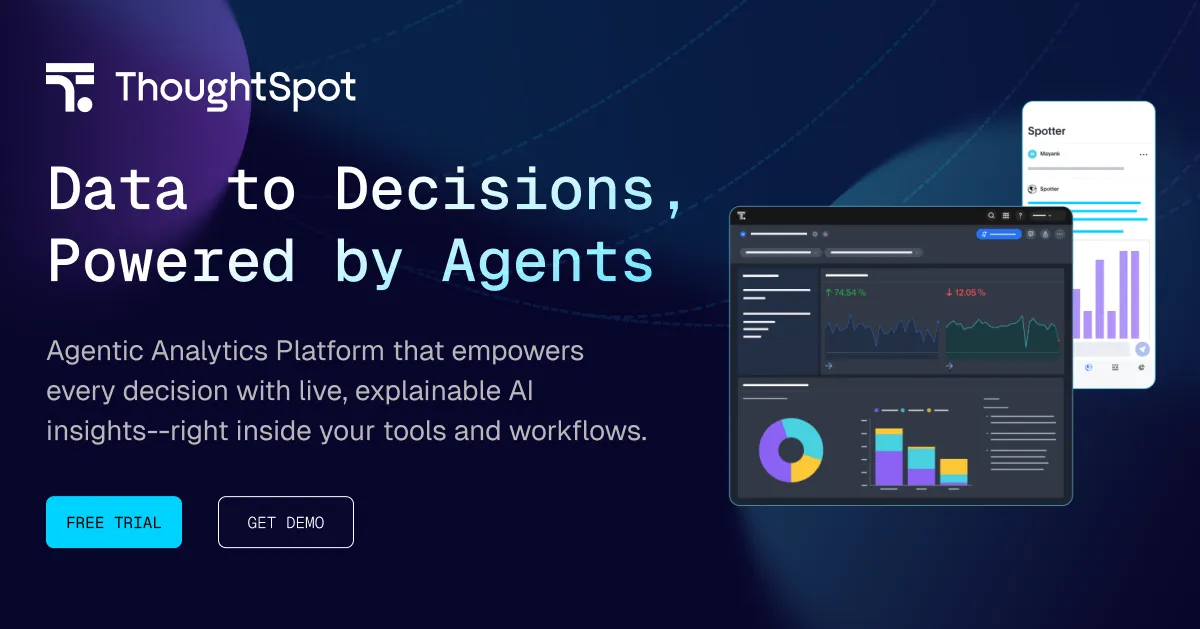
It is worth noting that ThoughtSpot's current marketing centers a newer AI agent branded Spotter, and its public documentation no longer surfaces a standalone "Sage" product page. The natural-language, LLM-backed capability described here is the lineage Sage established. If you are shopping today, confirm with the vendor exactly which branded feature set your plan includes, because the naming has moved on even where the underlying conversational-analytics idea has not.
The features that carry the product, and when each one earns its keep
The value of a conversational analytics layer lives in the details of how it handles a messy question and what it hands back. Here is how Sage's documented capabilities translate into practical use.
- Plain-language querying over live warehouse data: You ask in ordinary English and the answer is computed against the connected warehouse, not a cached snapshot. This matters most for time-sensitive decisions, where a report built last week is already wrong. The tradeoff is that answer quality depends on how well your warehouse data is modeled and labeled underneath.
- Automatic query generation: Sage maps an ambiguous prompt to ThoughtSpot's search tokens, so you are not the one guessing at column names or join logic. This is the feature that lets non-analysts self-serve. Use it when the alternative is filing a ticket and waiting; be more cautious with it for high-stakes numbers, where you should still inspect how the question was interpreted.
- Written narrative explanations of results: Instead of leaving a reader to interpret a chart, Sage generates a plain-prose summary of what the numbers show. The practical benefit is distribution: a summary can be pasted into a Slack message or a board deck for people who will never open the analytics tool themselves.
- Follow-up question suggestions: After an answer, Sage proposes next questions to keep the analysis moving. This helps the most for users who know their business but do not know what to ask a database, nudging them from a single lookup toward an actual investigation.
- Integration with Liveboards and SpotIQ: A conversational answer is not a dead end; results flow into ThoughtSpot's dashboards (Liveboards) and its automated insight engine (SpotIQ). Use this when an ad-hoc question turns into something worth monitoring, so you can pin it rather than re-ask it every week.
- Governed answers that respect existing permissions: Sage's responses honor the row-level security and data permissions already configured in ThoughtSpot. This is the feature that decides whether a large enterprise can actually roll it out. A finance-only figure should not appear because someone phrased a clever prompt, and governed AI responses are what keep self-service from becoming a data-leak vector.
The through-line is that Sage's genuine differentiator is not the chat box, it is the combination of live-warehouse execution plus inherited governance. A generic LLM can produce fluent prose about data; the harder problem is producing correct, permission-aware answers against a governed enterprise model, and that is the part tied to the ThoughtSpot platform underneath.
How teams actually use it
The realistic sweet spot is a company that has already invested in a cloud warehouse and wants more of its staff to touch the data without becoming SQL users. A revenue operations lead can interrogate pipeline numbers before a forecast call. A support manager can check ticket trends without waiting on a BI analyst. A department head can drop a Sage-generated summary into a weekly update. Sage supports connections across major cloud warehouses including Snowflake, BigQuery, Databricks, and Redshift, so the pattern works wherever your governed data already lives.
What it is not is a replacement for a data team. The written explanations and auto-generated queries reduce the volume of routine questions that land on analysts, but someone still has to model the data well, define metrics consistently, and sanity-check the AI's interpretation on decisions that matter. Treat Sage as a way to widen access to a well-governed model, not as a shortcut around building one. If your underlying data is inconsistent, a conversational layer will confidently surface those inconsistencies faster.
What it costs
ThoughtSpot does not sell Sage separately. It is part of the broader platform subscription, and access depends on your plan and data tier. ThoughtSpot's published analytics pricing is user-based, starting around $25 per user per month for its entry Essentials tier and around $50 per user per month for the Pro tier, with an Enterprise tier priced by custom quote. AI querying capacity has been tied to plan level, with higher tiers granting broader access, so if AI-driven analysis is the reason you are buying, the plan tier is the lever that controls how much of it your team can do. There is a separate embedded-analytics track for developers, and free trials have been offered on the analytics plans. Because the vendor gates AI access by tier and quotes Enterprise individually, treat the per-user figures as a starting reference and get a written quote that spells out exactly which AI features and limits your seats include. You can compare it against other AI data analytics tools before committing.
Who should look at it, and who should not
Sage fits organizations that already run, or are seriously evaluating, ThoughtSpot on top of a governed cloud warehouse and want business users to query it conversationally rather than through keyword search or static dashboards. The governance model makes it a more defensible choice for regulated or permission-sensitive environments than a bare LLM bolted onto a database. It is a poor fit for a small team with no warehouse, anyone wanting a cheap standalone chat-to-CSV tool, or a buyer unwilling to invest in the data modeling that makes the answers trustworthy. If you are surveying the space more broadly, our tools directory and the blog cover adjacent options.
Common questions
Is ThoughtSpot Sage a separate product I can buy on its own?
No. Sage is the generative-AI layer inside the ThoughtSpot platform and is included with a ThoughtSpot subscription rather than sold separately. What you can access depends on your plan and data tier.
Which language model powers it?
Sage uses large language models including the GPT series to interpret natural-language questions and turn them into ThoughtSpot queries. ThoughtSpot's platform also documents support for additional models, so the exact model behind a given deployment can depend on your configuration.
Which data warehouses does it work with?
It is documented to work over live connections to major cloud warehouses, including Snowflake, BigQuery, Databricks, and Redshift. Answers are computed against that live data rather than a static extract.
Will it expose data a user is not allowed to see?
Sage's responses are governed by the row-level security and data permissions already set in ThoughtSpot, so a well-phrased prompt should not reveal data a user lacks access to. As with any governed system, the protection is only as strong as the permissions you configure.
Does it just return charts, or does it explain them?
Both. Alongside the chart or answer, Sage generates a written narrative explaining the result in plain language and can suggest follow-up questions to continue the analysis.