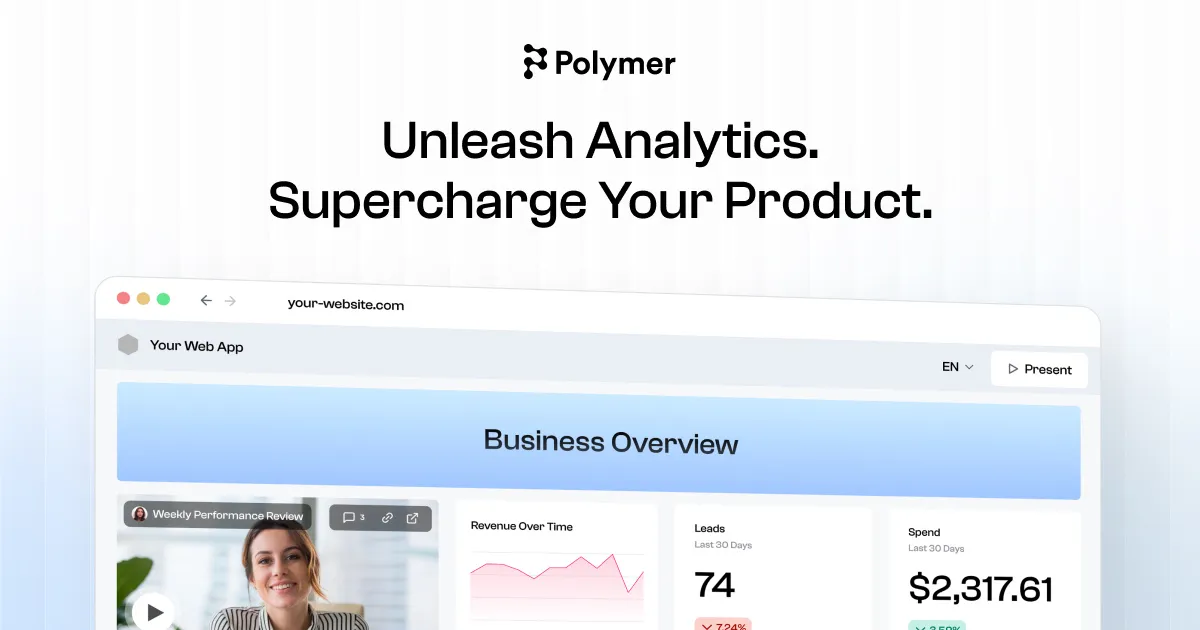

If you are evaluating this tool, here is what matters. Polymer Search is a no-code analytics product that takes a spreadsheet or a connected data source and turns it into an interactive dashboard you can filter, chart, share, and embed. The pitch is that you skip SQL, skip a traditional business-intelligence setup, and skip waiting on a data team. How well that trade works out depends heavily on the shape of your data and how much you need to trust the numbers downstream.
What you actually get
At its core, Polymer ingests structured data and infers a visual model from it. You can upload a CSV or Excel file, or connect a live source, and the platform proposes charts, filters, and pivot-style views based on the columns it detects. That automated first pass is the practical value: instead of building a dashboard from an empty canvas, you start from something the tool has already assembled, then refine it.
On the connector side, the vendor documents direct integrations with Shopify, Google Analytics, Google Ads, Facebook Ads, and Salesforce, alongside CSV/XLS uploads and Google Sheets. It also supports ETL bridges such as Windsor.ai and Dataddo, and an API path for connecting data warehouses and databases. This mix tells you the intended buyer clearly: this is a marketing- and ecommerce-oriented tool. If your daily reality is ad spend, store orders, and campaign metrics scattered across platforms, the connector list maps directly onto your sources. If your data lives in a Postgres warehouse or a lakehouse, direct access sits at the higher, API-driven end of the product rather than the self-serve tiers.
The AI layer is branded Polymer AI. It lets you ask questions in plain language and returns visualizations or answers rather than requiring you to build the chart yourself. This is genuinely useful for the "I just need to see revenue by region this quarter" type of question, where writing a formula or configuring a pivot is more friction than the answer is worth. It is worth setting expectations, though: on the published plans, Polymer AI chat responses are metered. Paid tiers include a fixed number of chat responses, and only Enterprise removes that cap. Treat conversational querying as a convenience feature with a budget, not an unlimited analyst sitting in the corner.
Beyond charts, Polymer supports interactive filtering and drill-down, white-label styling to match your brand's look and feel, pre-built templates, and embedding dashboards into other apps and sites with a few lines of code. The embedded-analytics angle is a real part of the product: there is an API path that can automate user permissions for secure data access, aimed at teams that want to surface Polymer views inside their own software for customers rather than only using it internally.
Where it earns its place
The strongest argument for Polymer is speed to a shareable result for someone who is not a data professional. A marketing analyst can connect an ad account, get a dashboard that is roughly right, adjust it, and send a link the same afternoon. That compresses a task that would otherwise involve a BI tool's data-modeling layer or a back-and-forth with engineering.
The connector-plus-embed combination is the second real strength. For an agency reporting to clients, or an ecommerce operator who wants a live store dashboard, the ability to sync a source and hand over a branded, embeddable view is exactly the workflow the tool is built around. Custom branding on paid tiers means those dashboards do not have to look like a third-party product bolted onto your brand.
Finally, the automated chart recommendations lower the intimidation factor. People who freeze at a blank analytics canvas tend to do better when the tool makes the first move and they edit from there. That psychological unlock is underrated and is a legitimate reason teams stick with tools like this.
The limits you should weigh
The honest counterweight starts with the data model. Tools that infer structure from a flat file or a connector are excellent when the data is already clean and denormalized, and frustrating when it is not. If your analysis depends on joining several tables, reconciling inconsistent keys, or applying non-trivial business logic, a spreadsheet-shaped tool will fight you. Polymer offers custom metrics on its paid tiers, which helps, but it is not a substitute for a modeled semantic layer.
Sync frequency is a real constraint and it scales with price rather than being a technical given. The cheapest plan syncs manually; daily, hourly, and real-time syncing are gated to progressively more expensive tiers. If you need dashboards that reflect the last few minutes of activity, budget for that from the start, because it is a paid capability rather than a default.
The metered AI responses deserve repeating as a limitation, not just a feature note. If conversational querying is central to how you plan to work, the fixed monthly response counts on the paid tiers can run out faster than expected across a team, pushing you toward a higher plan sooner than the sticker price suggests. Note that the cheapest Basic plan includes no AI chat responses at all.
One commercial detail worth knowing before you commit: the vendor states that subscriptions are not refundable and that cancellations take effect at the end of the billing cycle you selected. That makes the free trial the real evaluation window, so use it deliberately with your own data rather than a demo dataset.
What it actually costs
Polymer publishes a single ladder of plans billed monthly, with annual billing advertised at half price. The entry-level Basic plan is 10 dollars per month (5 dollars per month billed annually) but is restricted to file uploads and Google Sheets, allows only manual syncing, and includes no AI chat responses. Starter is 50 dollars per month (25 annually) and unlocks all data connectors, daily syncing, 10 Polymer AI responses, custom branding, and custom metrics. Pro is 100 dollars per month (50 annually) with hourly syncing and 20 AI responses. The Teams plan is 250 dollars per month (125 annually) and adds 3 editors with unlimited viewers, 30 AI responses, and Slack-channel support. Enterprise is custom-priced and is the tier that adds real-time syncing, unlimited AI responses, API access, custom connectors, and a dedicated account manager. The separately published API/embedded product starts around 500 dollars per month.
| Plan (monthly) | Price | Notable inclusions |
|---|---|---|
| Basic | $10/mo | 1 editor, file uploads and Google Sheets only, manual sync, no AI responses |
| Starter | $50/mo | All connectors, daily sync, 10 Polymer AI responses, custom branding and metrics |
| Pro | $100/mo | Hourly sync, 20 Polymer AI responses, 5 templates, email support |
| Teams | $250/mo | 3 editors, unlimited viewers, hourly sync, 30 AI responses, Slack support |
| Enterprise | Custom | Real-time sync, unlimited AI responses, API access, custom connectors |
The main pattern to read from this table is that the features people most often care about, which are sync freshness, AI query volume, connector access, and the number of editors, are exactly the axes Polymer uses to separate tiers. There is a free trial advertised at roughly 7 to 14 days depending on the plan you pick, but the practical entry point for a working team with live connectors is a paid plan. A few line-item costs also apply, such as an added 3 dollars per month per Shopify store, so read the connector fine print if commerce data is your reason for signing up. Because vendors adjust these regularly, verify the current tiers against the pricing page before you buy.
How it compares in the category
Polymer sits between two familiar poles. On one side are full business-intelligence platforms that give you a modeling layer, governed metrics, and deep SQL access at the cost of setup effort and, usually, a specialist to run them. On the other side are spreadsheet apps and their built-in charts, which are free-form but stop being manageable as data and audiences grow. Polymer aims squarely at the middle for non-technical users who have outgrown spreadsheet charts but do not want, or cannot justify, a full BI deployment. If you are weighing options, browse the wider AI data analytics tools and match the connector list and refresh needs against your own stack. The right alternative depends on whether your constraint is data modeling, cost, live sources, or embedding, so anchor the comparison to your actual bottleneck.
Who should adopt it, and who should keep looking
Polymer is a reasonable fit for marketing analysts, agency teams, ecommerce operators, and operations managers who work primarily with connector-based marketing data or clean spreadsheets and need shareable, branded dashboards without engineering support. The embedded-analytics path adds a second audience: product teams that want to surface dashboards to their own customers.
You should keep looking if your analysis requires joining and transforming messy multi-table data, if you need governed and auditable metrics for finance or compliance reporting, or if near-real-time freshness is a hard requirement you are not willing to pay Enterprise rates for. In those cases a modeled BI platform will serve you better despite the steeper learning curve. Run your own data through the trial before committing, since the value of an inference-driven tool depends entirely on how your specific dataset is shaped. For more evaluations like this, see the full tools directory or related write-ups on the blog.
Common questions about Polymer Search
What data can I connect to Polymer Search?
The vendor documents CSV/XLS uploads and Google Sheets plus direct connectors for Shopify, Google Analytics, Google Ads, Facebook Ads, and Salesforce, with ETL bridges such as Windsor.ai and Dataddo. Broader database and warehouse access is positioned at the API-driven, higher end of the product rather than the self-serve tiers.
Do I need to know SQL or a BI tool to use it?
No. Polymer is designed as a no-code tool that infers charts and filters from your data, and its Polymer AI feature lets you ask questions in plain language and get visualizations back. That is the entire point of the product.
Is there a free plan?
Polymer offers a free trial advertised at roughly 7 to 14 days depending on the plan you select, rather than an open-ended free tier with published row limits. Because subscriptions are non-refundable, treat that trial as your real evaluation window and load it with your own data.
How much does a paid plan cost?
Plans run from a 10-dollar-per-month Basic tier up to a 250-dollar-per-month Teams tier, with a custom-priced Enterprise option and a separate API/embedded product starting around 500 dollars per month. Annual billing is advertised at roughly half the monthly rate. Verify current numbers on the vendor's pricing page before buying.
Why are the AI features limited on cheaper plans?
Polymer meters Polymer AI chat responses by tier: none on Basic, 10 on Starter, 20 on Pro, and 30 on Teams, with only Enterprise removing the cap. If conversational querying is central to your workflow, factor that limit into which plan you choose.