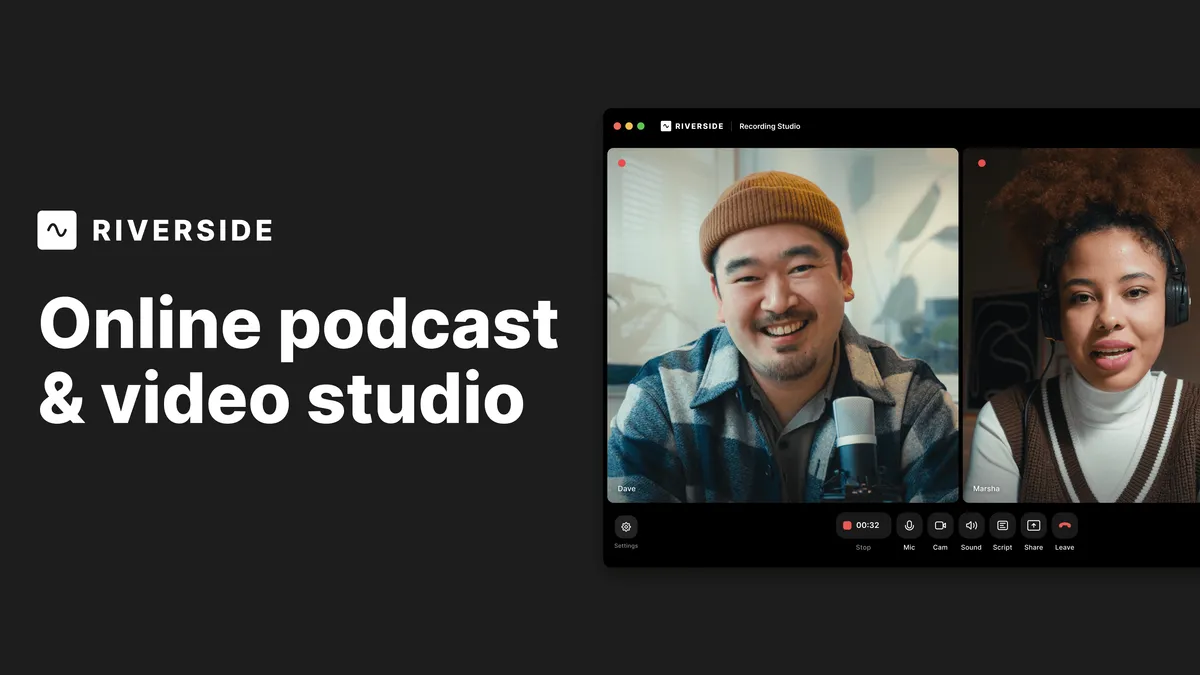

Riverside.fm earns its place when the people talking are not in the same room and the output still has to look and sound like it was shot in a studio. Three situations make that promise concrete:
- A weekly interview podcast with remote guests. The host is in one city, the guest in another, and neither wants a Zoom-grade recording. Riverside captures each person's microphone and camera locally on their own device, so a dropped connection mid-sentence degrades the live monitor but not the saved file.
- A marketing team turning one long conversation into a week of social content. After recording, the team uses AI to surface highlight moments, generate captioned vertical clips, and draft show notes, rather than paying an editor to comb through an hour of footage for thirty usable seconds.
- A journalist or corporate comms team that needs a clean, editable transcript alongside broadcast-quality video. Because Riverside transcribes automatically and lets you edit the video by editing that transcript, cutting a rambling answer is closer to editing a document than learning a nonlinear editor.
What the workflow actually looks like
The feature that justifies the whole product is local recording. Most video-call tools stream compressed audio and video over the internet and record whatever survives the trip; if a guest's Wi-Fi stutters, that stutter is permanent. Riverside instead records the raw media on each participant's machine and uploads it in the background, capturing up to 4K video (3840 x 2160) and uncompressed audio. The connection between host and guest only needs to be good enough to hold a conversation, not good enough to carry the final file. That single design choice is why the tool exists as something separate from a conferencing app.
Because every speaker is captured on a separate track (downloadable as WAV and MP4), post-production stays flexible. You can normalize one loud guest, mute a cough on another track, or hand the isolated stems to an external editor. This matters most when a recording goes sideways in a way you only notice later: separate tracks give you room to fix one person without touching the rest.
On top of the raw capture sits a layer of AI tooling. Magic Audio removes noise and enhances the sound; Magic Clips automatically pulls short segments suitable for social media; and an AI co-creator generates promotional assets such as clips, posts, thumbnails, and headlines. The text-based editor ties it together: the platform transcribes the recording, and you cut, copy, and paste sections of video by editing the words. There is also speech correction (fixing a flubbed word and having the AI resync the media), filler-word removal, eye-contact correction, and AI translation and dubbing across 30+ languages. Treat these as accelerators rather than finishers. Automatic clip selection and AI dubbing get you a solid first draft quickly, but anything going out under a brand's name still deserves a human pass. The realistic win is time saved on the tedious 80 percent, not a fully hands-off pipeline.
Riverside also reaches beyond recording into distribution: full-HD live streaming to platforms like LinkedIn, YouTube, Instagram, and Twitch, podcast hosting and publishing to Spotify and Apple Podcasts, webinar hosting with Q&A and polls, live call-ins for audience participation, and screen recording. It runs in the browser, as a Mac app, and on iOS and Android, which keeps the barrier low for guests who will not install specialized software.
Who gets the most out of it
The clearest fit is anyone producing remote video interviews or video podcasts regularly and caring about the finished quality: independent podcasters, YouTube creators, and producers. Marketing and content teams that record once and repurpose many times are the second strong fit, because the AI clipping and asset generation directly attack their bottleneck. Webinar organizers and enterprises with compliance needs are served by the higher tiers. If you only record occasionally, record everyone in the same physical room, or livestream without ever needing an archived master, much of what you pay for here goes unused. You can browse comparable options in Voice & Audio AI tools before committing.
Pricing and what each tier unlocks
Riverside uses a freemium model. The free plan costs nothing, needs no credit card, and includes two hours of multitrack recording, up to 720p video at 44.1 kHz, and a Riverside watermark on exports, alongside unlimited single-track recording, Magic Clips, and video calls. It is genuinely usable for evaluating the workflow, but the watermark and resolution cap make it a trial rather than a production tier.
| Plan | Annual (per mo) | Monthly | Recording | Notable additions |
|---|---|---|---|---|
| Free | $0 | $0 | 2 hrs multitrack, 720p, watermark | Magic Clips, unlimited single-track |
| Pro | $24 | $29 | 5 hrs/mo, up to 4K, 48 kHz | No watermark, text-based editing, Magic Audio, unlimited transcription, podcast hosting |
| Grow | $34 | $39 | 20 hrs/mo | 2 studios, HD live streaming, live call-ins, social scheduling, AI thumbnails |
| Webinar | $79 | $99 | 25 hrs/mo | Webinars up to 100 registrants, lead capture, HubSpot integration |
| Business | Contact sales | Unlimited | SSO, Salesforce, SOC 2 & ISO 27001, custom branding, dedicated account manager | |
The step most people care about is Free to Pro: paying to remove the watermark, unlock 4K and 48 kHz, and get the text-based editor and unlimited transcription. The monthly recording caps (5, 20, 25 hours across Pro, Grow, and Webinar) are the number to watch, since they count separate-track downloads rather than raw studio time; heavy producers should map their actual output against those limits before choosing a tier. Note that Pro's five hours of multitrack downloads per month can feel tight for a weekly show, which is often what nudges producers up to Grow.
Where it falls short
The recurring friction with browser-based local recording is upload and storage: high-resolution tracks are large files that must finish uploading, and guests occasionally close a tab too early or run low on disk space. The platform's own workflow depends on guests cooperating with the process. The monthly hour caps below the Business tier can also pinch high-volume shows, effectively pushing them toward a custom contract. And the AI features, while broad, still require review: automatic clip selection reflects the model's judgment of what is interesting, which is not always the same as an editor's. Finally, the breadth of streaming, webinar, and hosting features means teams that only want clean recordings pay for a wider suite than they will use. Weigh the specific tier against the specific job rather than the headline feature list.
The bottom line
Riverside.fm is a focused answer to one durable problem: getting studio-grade audio and video out of people who are not in your studio. The local-recording architecture is the real differentiator, and the AI editing and repurposing layer is a meaningful time-saver for teams that publish often. It is most worth the money for regular remote video podcasters and content teams that repurpose aggressively; it is overkill for occasional or in-person recording. If broadcast quality from remote guests is a recurring need, the Pro tier at $24 per month billed annually is a reasonable starting point, and the free plan is a fair way to test the workflow first. For broader context, see our blog or the full tools directory.
Common questions about Riverside.fm
How does Riverside avoid poor quality when guests have bad internet?
It records each participant's audio and video locally on their own device rather than relying on the live stream, then uploads those files in the background. The connection only needs to sustain the conversation; the saved recording is captured at full quality regardless of network hiccups.
What can I do on the free plan?
The free plan includes two hours of multitrack recording, video up to 720p at 44.1 kHz, unlimited single-track recording and editing, Magic Clips, and unlimited video calls. Exports carry a Riverside watermark, and no credit card is required to start.
What is the text-based editor?
Riverside transcribes your recording and lets you edit the video by editing that transcript. You search, cut, copy, and paste words, and the corresponding video and audio are trimmed to match, which makes basic edits closer to word processing than traditional video editing.
Does Riverside support platforms other than the browser?
Yes. It works in a web browser and also offers a Mac app and mobile apps for iOS and Android, so guests can join and record without installing specialized desktop software.
Which plan removes the watermark and unlocks 4K?
The Pro plan, at $24 per month billed annually or $29 monthly, removes the watermark and raises quality to up to 4K video and 48 kHz audio, while adding the text-based editor, Magic Audio, and unlimited transcription.