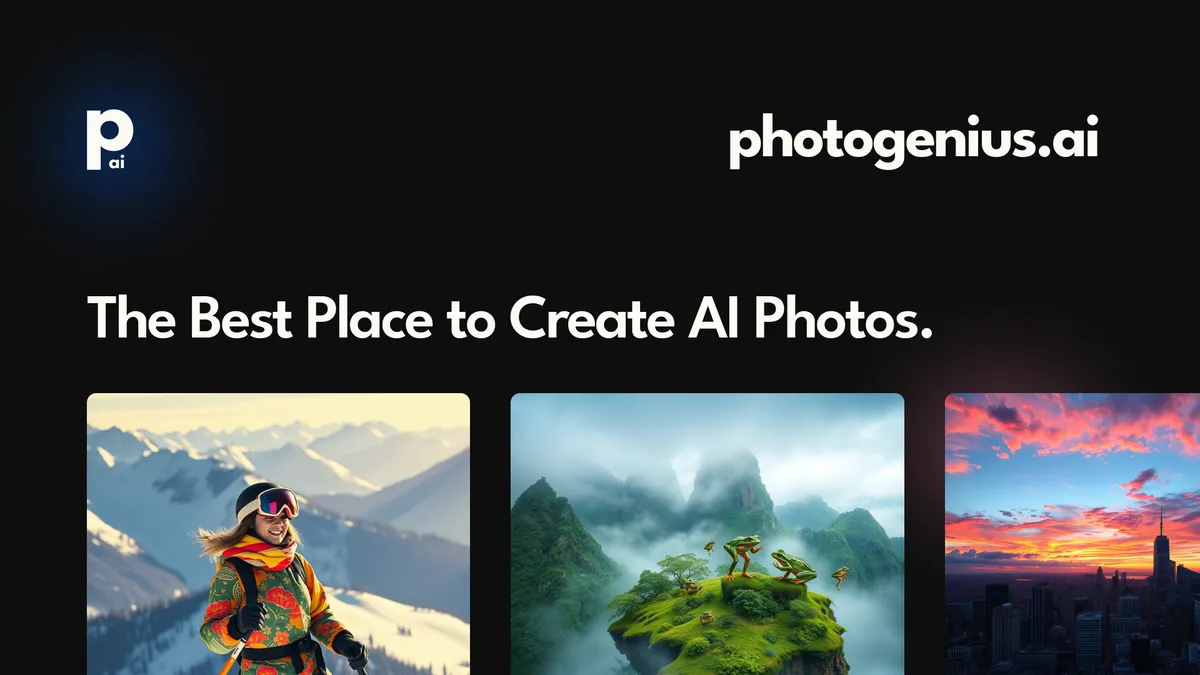

What Photogenius AI is
Photogenius AI is a text-to-image platform that produces finished visuals from a written prompt. Describe what you want, and it generates an image in roughly three seconds. The product is built for people who need professional-looking graphics but do not have a design background, so the friction of opening a complex editor is replaced with typing a sentence.
What sets it apart from a single-purpose generator is the spread of specialized tools bundled in. Instead of just one open-ended canvas, Photogenius AI groups its generation into focused modes for the things people actually request most: avatars, icons, ads, emojis, and 3D models.
How it works
You start from a text prompt. Behind the scenes the platform draws on several well-known image models, including Stable Diffusion, Flux AI, and Kandinsky, and routes your request to produce the result. Having multiple engines available matters because each one has a different visual character, so a prompt that feels flat with one model can come alive with another. Generation is fast, around three seconds, which makes iteration cheap. If the first image is not quite right, you tweak the wording and try again without a long wait. That tight loop is the difference between testing ten variations of an ad and settling for the first acceptable one. A history feature saves what you have made so you can revisit and organize past work, which keeps a busy creator from losing a good result in the shuffle.
Standout features
Avatar AI
Turn a photo into AI-generated personal portraits. This is useful for profile pictures, team pages, or stylized headshots without a photo shoot.
Ad Generator
Create social media ads and marketing visuals from a prompt. For small businesses and solo creators who cannot brief a designer for every campaign, this is the most directly money-saving tool in the set.
App Icons
Design icons sized for mobile app stores. Getting a clean, recognizable icon is a common pain point for indie developers, and a generator that targets that format specifically saves real time.
Emoji Creator
Build custom, branded emoji sets. Brands and communities use these for chat, Discord servers, and social engagement where a personalized sticker pack stands out.
3D AI Models
Generate interactive 3D models, extending the platform beyond flat imagery for creators who want dimensional assets. This pulls Photogenius AI into territory most pure image generators do not touch, so a single account covers both 2D graphics and basic 3D content for product mockups, game ideas, or web visuals.
History saving
Every creation is tracked and organized, so you can find and reuse earlier results instead of regenerating from memory or trying to recall the exact prompt that worked.
Who it is for
Photogenius AI fits brands, social media creators, marketing professionals, and content creators who need a steady flow of visuals and value speed over manual control. It is especially handy for people with no design training, since the prompt-first approach removes the learning curve of traditional tools. Larger studios that need pixel-precise, brand-locked output may still prefer a dedicated designer, but for fast, varied, good-enough visuals, the trade is reasonable.
Use cases
- Generating social media ad creative for a campaign
- Creating stylized avatars and profile pictures from a photo
- Designing app store icons for a mobile project
- Building a custom branded emoji or sticker set
- Producing quick marketing graphics without a designer
- Generating 3D models for richer content
Pricing and access
Photogenius AI uses a freemium model with a Start Creating for Free entry point and a referenced pricing page for paid tiers. Specific rates and any credit or usage limits are not pinned down here, so check the Photogenius AI site for current plans before relying on it for high-volume work.
Verdict
Photogenius AI is a practical, speed-first image generator with a smart set of presets. The three-second turnaround and the focused modes for avatars, ads, icons, emojis, and 3D models mean you are not wrestling with a blank canvas; you pick the job and prompt it. It is best for fast iteration and everyday marketing visuals rather than precision brand work. For creators and small teams who need a lot of graphics quickly, it is an easy tool to keep in the rotation.