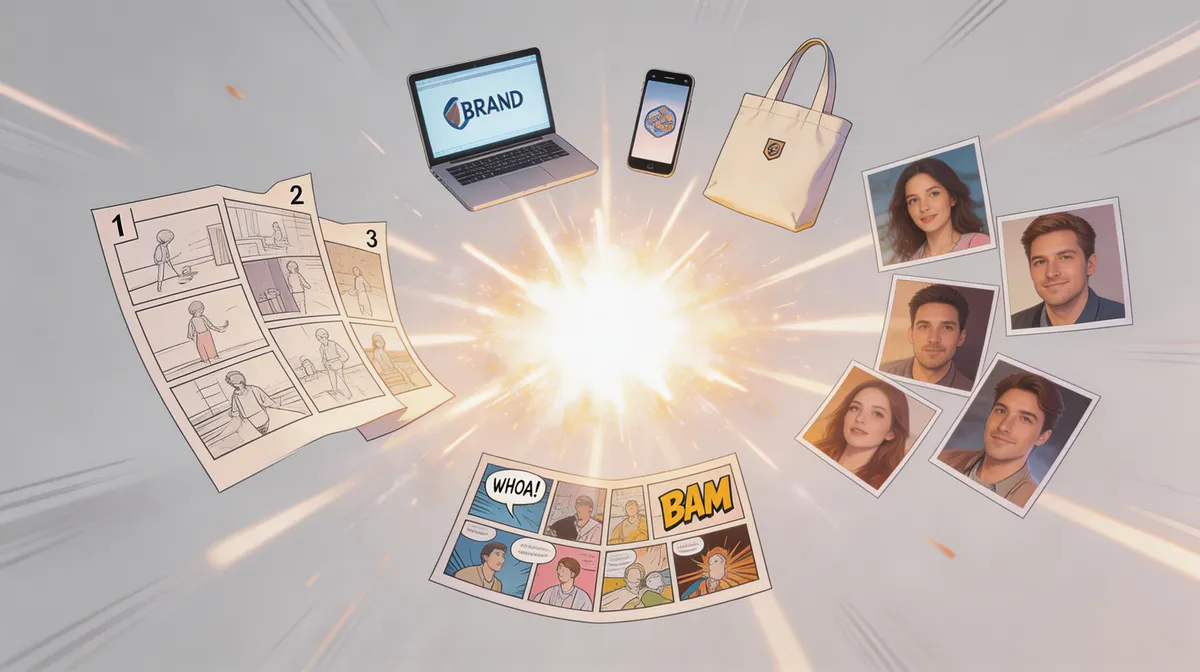

What AI Face Studio is
AI Face Studio is a web-based face editing tool that takes a single photo or short video and reworks the face inside it. The headline use is face swapping, but the app does more than drop one face onto another. You can change clothing, convert a portrait into an anime or cartoon character, or push a selfie through stylized filters like clay modeling and 3D rendering. It runs in the browser, so there is nothing to install and no heavy GPU required on your end.
The pitch is speed and accessibility. You upload an image, pick an effect, and the result comes back in seconds rather than the minutes a manual edit in Photoshop or a 3D suite would take. That makes it a fit for people who want a finished image fast and do not want to learn masking, layers, or compositing.
How it works
The workflow is built around upload, choose, generate. You bring in a source photo, select the transformation you want, and the model handles the alignment and blending. For face swaps the tool detects the face region, matches lighting and angle as best it can, and composites the new face into place. For style conversions it re-renders the whole portrait in the chosen look while keeping the subject recognizable.
Because everything happens online, your edits are tied to a credit system rather than local processing power. Each generation spends credits, which is how the free and paid tiers are separated.
Standout features
Photo and video face swap
AI Face Studio handles face swaps in both still images and video clips. Video swapping is the harder problem of the two, since the face has to track across frames, and having it in the same tool as photo editing is a genuine convenience for short social clips.
Style conversions
This is where the tool gets playful. You can turn a normal portrait into an anime character, a comic-style cartoon, a 3D-rendered figure, or a clay model look. There is also emoji creation and a video-game character generator for people who want an avatar rather than a realistic edit.
Clothing change
Beyond the face itself, the app can swap or restyle the clothing in a shot. That extends it from pure face work toward full-portrait restyling, which is useful for profile pictures and concept images.
High-resolution output
The transformations aim for lifelike, high-resolution results so the output holds up when posted or printed rather than looking obviously filtered. Quality on any given image still depends on the source photo: clean lighting and a clear, front-facing face produce noticeably better swaps than a blurry or heavily angled shot.
Who it is for
This is a tool for creative and casual use more than professional VFX. Social media creators making avatars, people who want a fun anime or clay version of a selfie, and hobbyists experimenting with face swaps will get the most out of it. Marketers can use it for quick concept visuals and stylized brand content. It is less suited to high-stakes professional retouching where you need frame-by-frame control, and like any face-swap tool it should be used responsibly and with consent from the people pictured.
Practical tips for better results
The output quality tracks the input more than people expect. A front-facing photo with even lighting and a clearly visible face gives the cleanest swaps, while extreme angles, harsh shadows, or low resolution will show in the blend. For style conversions like anime or clay, simpler backgrounds tend to produce cleaner subject isolation. Because the tool spends credits per generation, it pays to start with your best source image rather than burning credits on shots that were never going to work. If a result looks slightly off, re-running with a tighter crop on the face is usually the quickest fix.
One realistic limitation: very fine details such as glasses frames, jewelry, or busy hair can occasionally get reinterpreted during a heavy style conversion. That is normal for this class of tool and rarely matters for social use, but it is worth knowing if you need an exact likeness.
Pricing
AI Face Studio uses a freemium model. There is a free plan with a limited number of credits so you can try the core effects without paying, and paid plans unlock more generations and heavier use. Pricing is credit-based, so your real cost depends on how many images and videos you run through it. Check the official site for the current plan tiers and credit amounts, since these can change.
Verdict
AI Face Studio is a fast, no-install way to swap faces and restyle portraits, and its range of looks, from anime to clay to 3D, is broader than a single-trick face-swap app. It is best treated as a creative toy and content accelerator rather than a precision editing suite. If you want quick, shareable transformations and the occasional video swap without touching professional software, it covers that well, and the free credits make it easy to test before committing.