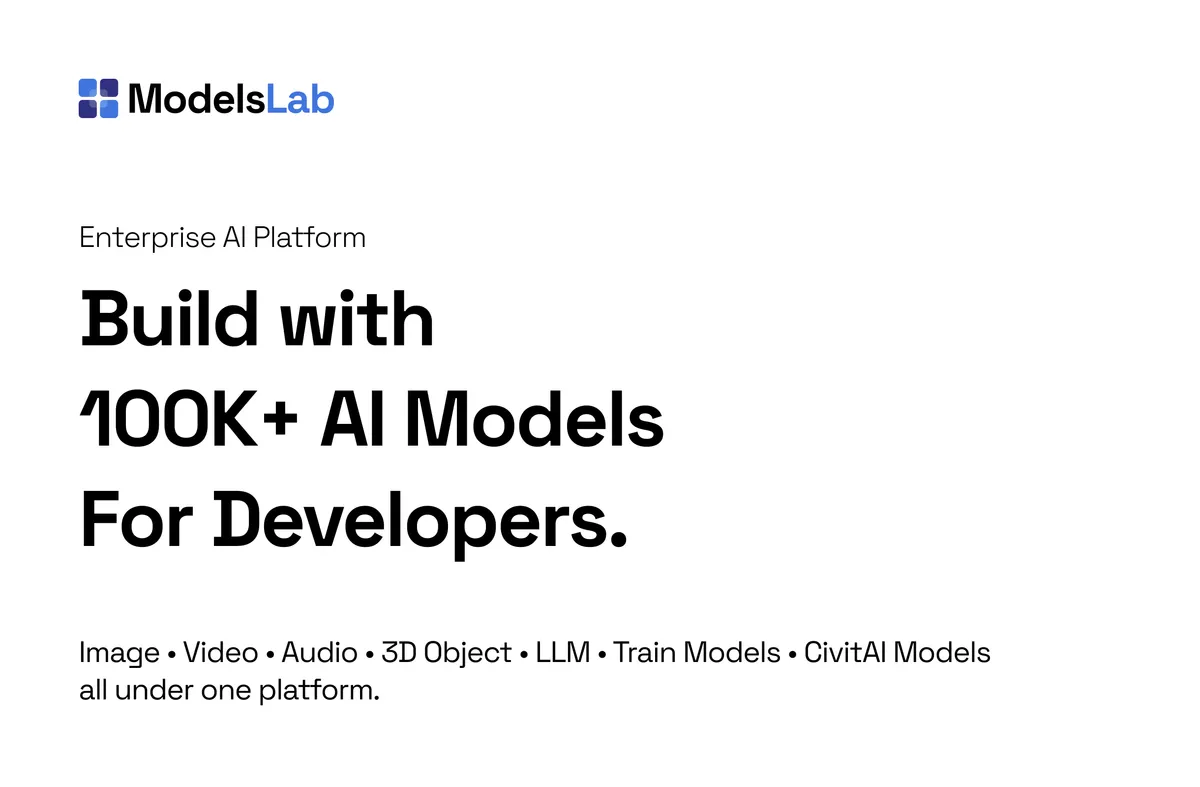

What ModelsLab is
ModelsLab is a generative AI platform built for developers who would rather call one API than wire up a dozen. It exposes image, video, audio, text, and 3D generation behind a single REST interface, with the headline claim of building with more than 1000 AI models through one consistent endpoint. The idea is to remove the overhead of integrating, hosting, and updating models yourself, so you ship features instead of managing infrastructure.
Where a tool like a hosted chatbot serves end users, ModelsLab serves the people building the product. It is API-first, which means the output is meant to flow into your own app, automation, or pipeline rather than a polished web dashboard.
How it works
You authenticate, pick a model or capability, and send a request. The same platform that generates an image from text can also edit it, turn it into video, synthesise speech, or produce a 3D model, all through related endpoints. Because pricing is usage-based, you pay for the calls you make rather than committing to seats or fixed bundles, which suits prototyping and spiky workloads.
Standout features
One API, many modalities
Image, image editing, video, audio, text, and 3D generation live under a single platform. You can build a multi-step creative flow, say text to image to video, without juggling separate vendors and SDKs for each step.
Huge model library
ModelsLab provides access to a very large catalogue of models, including Stable Diffusion 1.5, SDXL, Stable Diffusion 3, and Flux, alongside thousands of community fine-tunes. That breadth lets you match the exact look or capability a project needs instead of settling for one default model.
LoRA and fine-tuned styles
The platform exposes an extensive library of LoRA models for specialised outputs, such as character sheets, art styles, and vehicles. So if you need a consistent style or subject, you can pull in a fine-tune rather than fighting a general model with prompts alone.
Editing and inpainting
Beyond fresh generation, ModelsLab supports image editing and inpainting, including tools like Qwen Image Edit. That matters when your app needs to modify existing images, not only create new ones from scratch.
Image to 3D and audio
The platform reaches past 2D, turning images and text into 3D models, and covers audio generation including text-to-speech. For developers stitching together richer experiences, having these on the same API reduces integration work.
Who it is for
ModelsLab is squarely for developers, indie builders, and product teams who want generative AI inside their own software without standing up and maintaining model servers. It is a good fit for SaaS features, automation, content tooling, and anything where you call AI programmatically. It is less relevant to a non-technical user who just wants a point-and-click app, since the value here is the API and the breadth of models behind it.
Why developers reach for it
The real draw is consolidation. Integrating generative AI usually means signing up with several providers, learning each SDK, handling separate billing, and keeping up as models change. ModelsLab collapses that into one account and one interface. When a new model gains traction, you can often switch to it through the same API rather than rebuilding an integration. For a small team, that is the difference between shipping a feature this week and spending the week on plumbing. The usage-based billing reinforces it: you can prototype cheaply, see what users actually use, and only scale spend where the feature earns its keep. That keeps experimentation low-risk, which is how most good product features start.
Practical considerations
Being API-first cuts both ways. The breadth and flexibility are real, but you do need someone comfortable making HTTP requests and handling generated output in code. There is no consumer dashboard doing the work for you. Output quality also depends heavily on model choice and prompting, so part of the job is picking the right model or LoRA for the look you want rather than expecting one default to cover every case. Treat the large catalogue as a toolbox to be matched to the task, and budget a little time for evaluation, and the platform rewards that effort with a lot of reach from a single integration.
Pricing
ModelsLab follows a pay-as-you-go approach, charging for what you generate, and offers a free tier so you can test without a credit card up front. There are also flat subscription and enterprise options for heavier or dedicated workloads. Because per-image and per-model rates vary by model and can change, confirm current numbers on the official ModelsLab pricing page rather than assuming a fixed cost.
Verdict
ModelsLab makes the most sense when you are building, not just generating. Consolidating image, video, audio, 3D, and text behind one REST API, with a deep model and LoRA catalogue and usage-based billing, removes a lot of friction for developers who would otherwise integrate several providers. If you want a finished consumer app you can click through, look elsewhere. If you want the engine room, this is a capable, flexible option with a low barrier to start.