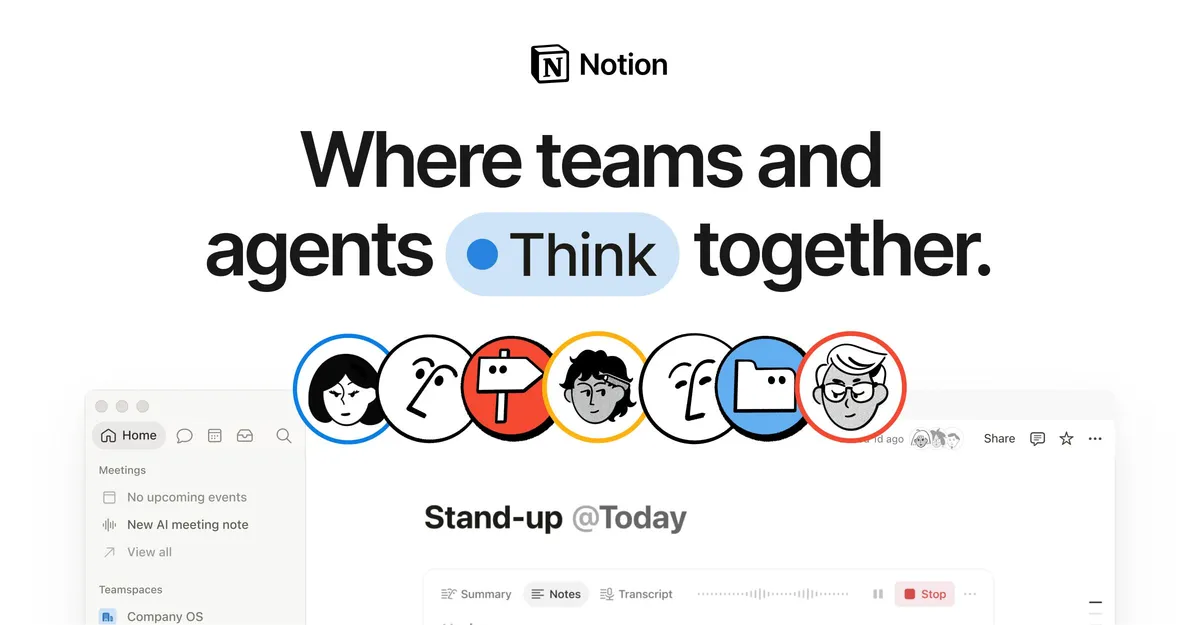

The main thing Notion AI buys you is not having to leave the document you are working in. Instead of copying text into a separate chatbot and pasting the result back, the assistant lives inside the same pages, databases, and meeting notes where your work already sits. For anyone who has built their knowledge base in Notion, that proximity is the whole point: the AI can act on content it already has access to, rather than starting from a blank prompt each time.
This review looks at what Notion AI actually does, when each capability earns its keep, how the pricing works after Notion folded AI into its paid tiers, and who should be cautious before relying on it.
What it is, and where it lives
Notion AI is a set of AI features embedded in Notion's productivity workspace rather than a standalone product. According to Notion's own materials it is model agnostic, meaning workflows can be switched to a different model or provider without losing context. Notion does not publicly name the specific underlying models on its product page, so I treat the exact model lineup as undocumented. Practically, the value comes less from which model runs and more from how tightly the assistant is wired into your existing content, so I would not choose it on model branding alone.
The features that matter, and when each one pays off
In-page writing and editing
You can generate drafts or improve existing text through AI blocks placed directly on a page. Why it matters: the friction of drafting a first version is where most documents stall, and having generation happen in place keeps the output attached to the surrounding context. This is most useful for internal docs, first drafts of specs, or tightening rambling notes, and least useful when you need a polished external voice that a generic model will not reliably produce without heavy editing.
Summarization and Research Mode
Notion offers summarization and a Research Mode aimed at longer reports and summaries. The benefit is triage: long pages, sprawling project logs, and dense notes become scannable without you reading every line. Reach for this when you inherit a page you did not write, or when a weekly log has grown past the point anyone reads it. As with any summarizer, verify anything consequential, because condensing text can quietly drop caveats.
Search and Q&A across connected apps
Enterprise Search lets you ask questions across Notion plus connected tools including Slack, Google Drive, GitHub, Asana, and Gmail. This is the feature I would weigh most heavily, because it addresses the real problem in most organizations, which is not writing but finding. When an answer might live in a Slack thread, a Drive doc, or a Notion page and nobody remembers which, natural-language search across all of them saves the hunt. The value scales with how much of your work already flows through those connected apps; if your team lives in tools Notion does not integrate, the benefit shrinks.
Database property autofill
Autofill can populate database properties automatically. The practical payoff is structured data maintenance that would otherwise be manual: tagging, categorizing, or extracting a field from linked content across many rows. This is worth setting up when you maintain databases with repetitive classification work, and it is overkill for a handful of entries you could fill in by hand.
AI Meeting Notes
Meeting Notes (offered in beta on Business plans) transcribe conversations and summarize key points. The benefit is obvious for teams that run many calls: a searchable record and action-item summary without a dedicated notetaker. Because it is a beta feature per Notion's pricing page, I would treat transcription accuracy and coverage as still maturing rather than guaranteed.
Custom Agents
Custom Agents can automate recurring work on schedules or triggers for a team. This moves Notion AI from a reactive assistant to something that does standing work, for example a routine that compiles a status update or processes new database entries. The tradeoff is operational: agents that run on their own need clear scope and monitoring, and their cost is metered separately through Notion credits (detailed below).
Translation and language coverage
Translation is available, and Notion's product page lists 24 interface languages. For distributed teams this lowers the barrier to sharing a doc across regions, though the earlier claim of 30-plus languages that circulates online is not what the current page states, so I go with the 24 the site shows.
How this plays out in practice
- Onboarding a new hire: instead of pointing them at a wiki, they can ask questions in natural language and get answers pulled from Notion and connected apps, which shortens the ramp for tribal knowledge that was never formally documented.
- Meeting-heavy teams: AI Meeting Notes plus summarization turns a week of calls into searchable records and action items, reducing the after-meeting write-up tax.
- Product and ops documentation: in-page drafting and autofill keep specs and tracking databases current with less manual upkeep.
- Recurring reporting: a Custom Agent can assemble a standing report on a schedule, replacing a manual copy-and-paste ritual.
You can compare adjacent options in the business and productivity AI category or browse the full tool directory if Notion is not already your workspace of record.
What it costs
Notion changed its approach: rather than a separate per-member AI add-on that once sat on top of the base subscription, AI is now built into the plan tiers. Based on Notion's pricing page:
| Plan | Price (per member/month) | AI access |
|---|---|---|
| Free | $0 | Limited trial of core AI (chat, generate, autofill, translate) |
| Plus | $10 | Limited trial of core AI |
| Business | $20 | Full core AI plus Notion Agent and Meeting Notes (beta) |
| Enterprise | Custom | Business AI plus zero data retention with LLM providers |
Two usage-based items sit outside the flat seat price. Custom Agents are free to try and then run on Notion credits at $10 per 1,000 monthly credits, and Workers move to credit-based billing per the dates Notion publishes. The credit model means autonomous, high-volume automation has a variable cost you should estimate before committing, whereas everyday writing and search are covered by the seat price. Because Notion states dated cutovers for free trial periods, confirm the current terms on Notion's pricing page before budgeting.
Who gets the most from it
Notion AI is a strong fit for teams and individuals who already run documentation, projects, and knowledge management in Notion and want writing, retrieval, and light automation without adopting another app. The Business tier is the realistic entry point for the full feature set, since Free and Plus only offer a limited trial. It is a weaker fit if you use Notion lightly, need heavy-duty external-facing content generation, or keep most of your work in apps Notion does not integrate with, because the cross-app search advantage is where much of the value concentrates. The zero data retention option on Enterprise is the relevant lever for organizations with strict data-handling requirements.
Common questions
Is Notion AI a separate purchase?
No longer as a standalone add-on. Notion's pricing page shows AI built into the plans, with a limited trial on Free and Plus and full core AI on Business and Enterprise. Some autonomous features (Custom Agents, Workers) bill separately through Notion credits.
Which apps can Notion AI search across?
Notion lists Enterprise Search across Slack, Google Drive, GitHub, and more, and its integrations include Slack, GitHub, Asana, Google Drive, and Gmail.
What AI model does Notion AI use?
Notion describes the product as model agnostic and says workflows can switch models or providers without losing context. It does not publish the specific underlying models on its product page.
Can Notion AI transcribe meetings?
Yes. AI Meeting Notes transcribe conversations and summarize key points; Notion lists this as a beta feature available on Business plans.
How many languages does translation support?
Notion's product page lists 24 interface languages, including English, Spanish, French, German, Chinese, and Japanese.