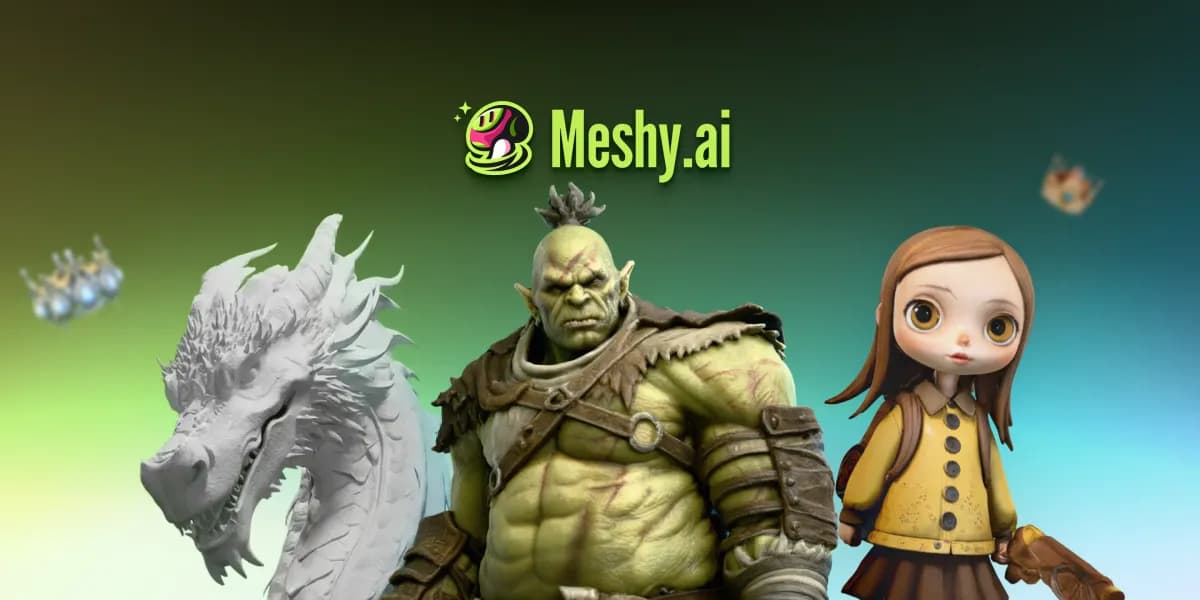

What Meshy is
Meshy takes the part of 3D work most people dread, modelling from scratch, and replaces it with a prompt or an image. Describe a battered treasure chest or upload a sketch of one, and within seconds you have a textured 3D model you can drop into a game engine. The pitch is straightforward: 3D content creation for people who do not have years of modelling experience, and faster turnaround for people who do.
It sits squarely in the AI 3D model generator category and has built out an unusually complete toolkit, going well past generation into remeshing, rigging, animation, and even turning models into video.
How it works
Meshy gives you several routes in. Text to 3D builds a model from a written description. Image to 3D converts a single 2D image or sketch into a model. Multi-view image to 3D lets you supply front, side, and back references for tighter control before conversion, which helps when accuracy to a specific design matters. An AI Prompt Helper refines vague ideas into more detailed prompts, so you are not left guessing why a generation missed. Once you have a model, you texture it, adjust its mesh, rig it, and export.
The multi-view path deserves a closer look, because it solves a real weakness of single-image generation. When a model only sees one angle, it has to guess at the back of an object, and the guess is often wrong. Feeding Meshy front, side, and back references removes most of that ambiguity and produces a model that matches your intended design far more closely, which matters when you are recreating a specific character or product rather than generating something open-ended.
Standout features
AI texturing with PBR maps
Meshy applies textures from text prompts or reference images and supports full PBR maps, including diffuse, roughness, metallic, and normal. That means generated assets respond to lighting correctly in engines rather than looking flat.
Smart Remesh
You can adjust triangle or quad counts across a wide range, roughly one thousand up to three hundred thousand, and choose topology type. This is what lets the same generated asset serve a mobile game at low poly or a render at high detail.
Auto-rigging and animation
Characters can be rigged automatically and matched against a library of more than five hundred pre-built animations, so a generated character can be walking or waving almost immediately. There is also a 3D-to-video feature for producing quick animated clips from a model.
Bulk generation and free retry
Meshy can process dozens of concurrent tasks, with documented support for 50-plus simultaneous jobs, which suits studios producing assets at volume. Free retry lets you regenerate with the same prompt at no extra credit cost, taking some of the gamble out of generation. Together these two features change how it feels to work with Meshy day to day: you can iterate freely without watching a credit counter drop every time a result misses, and you can queue a whole set of props overnight instead of babysitting one job at a time.
Formats and integrations
Export options are broad: FBX, GLB, OBJ, STL, 3MF, USDZ, and BLEND. On the integration side, Meshy connects to game engines including Unity, Unreal Engine, Godot, and Roblox Studio, to 3D software like Blender, Maya, and 3ds Max, and to a long list of 3D-printing slicers such as Bambu Studio, OrcaSlicer, Creality Print, Ultimaker Cura, Elegoo Slicer, and Lychee Slicer. An API is available for teams that want to wire generation into their own products.
Who it is for
The audience is wide by design: game developers, film and VFX studios, product designers, 3D-printing enthusiasts, educators and students, interior designers, AR and VR developers, and e-commerce sellers. The free-retry and bulk-generation features lean toward people producing many assets, while the rigging and animation library make it appealing to solo developers who cannot staff a full art team. As with any AI generator, results are excellent for props, stylised characters, and concepting, and may need cleanup for hero assets that demand exact topology.
Pricing
Meshy uses a freemium, credit-based model. A free tier lets you try generation, paid plans add more credits and features, and enterprise options bring dedicated support along with SSO, multi-team workspaces, and compliance with GDPR, SOC 2, and ISO 27001. A private license option exists for protecting commercial work. Credit allowances change, so verify current plans on Meshy's site before budgeting.
Verdict
Meshy is one of the more complete AI 3D platforms available, pairing strong generation with PBR texturing, smart remeshing, auto-rigging, a large animation library, and an export list that reaches almost everywhere you would want to send a model. For studios and solo creators who need ready-to-use assets at speed, it is a genuinely productive tool, with the usual caveat that the most demanding assets still benefit from a manual finishing pass.