
What Alpha3D Is
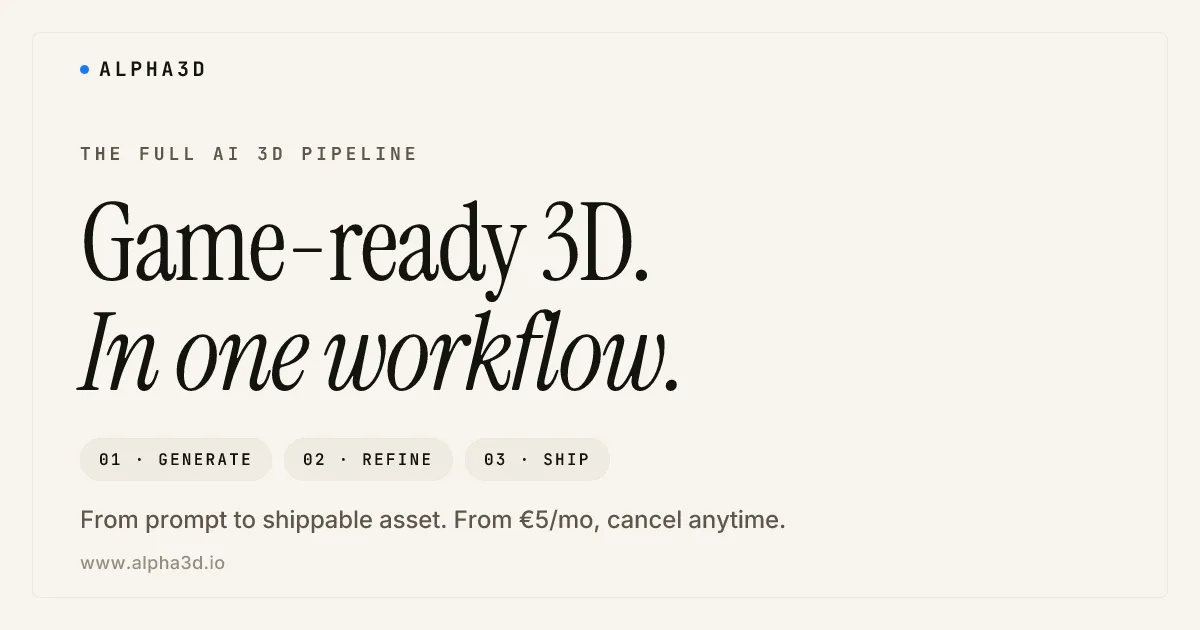
Alpha3D describes itself as the full AI 3D pipeline in one place, and that phrasing is accurate to how it is built. You feed it a text prompt or an image, and it produces a 3D model. The part that matters is what happens next: instead of handing you a raw mesh to clean up in Blender, it carries the asset through retopology, UV unwrapping, and texturing, then exports it ready to use. The goal is to finish the model, not just start it.
It is an AI 3D model generator aimed squarely at people who need usable, game-ready assets rather than a quick novelty mesh.
How It Works
Generation accepts three kinds of input: a text description, a single image, or multiple views of the same object. Once a base model exists, you move into refinement. You can adjust the topology, tidy the UVs, redo or improve textures, and rig the model. Because all of these steps live inside one tool, you are not bouncing the asset between separate apps to get it production-ready.
The textures are built for physically based rendering (PBR) workflows, so a model dropped into a modern engine reacts to lighting the way it should rather than looking flat or plasticky.
Standout Features
A complete asset pipeline
Retopology, UV unwrapping, re-texturing, and export are all handled in the same place. This is the core value: the model arrives closer to done, which removes the cleanup step that usually eats the most time after generation.
Text, image, and multi-view input
You can start from a written prompt, a reference photo, or several angles of an object. Multi-view input helps the system understand shape more reliably than a single flat image can.
PBR-ready materials
Models come with physically based rendering textures, so they fit straight into Unity, Unreal, and similar engines without a manual material rebuild.
API and pipeline automation
Alpha3D exposes an API and workflow hooks, so studios and stores can wire generation into their own systems for things like bulk catalog updates, automation, and A/B testing of assets.
Built-in rigging and refinement
After a base model is generated you can refine its topology, fix UVs, redo textures, and rig the asset, all without exporting to a separate program first. Keeping rigging in the same place is what lets a character or prop move from idea to animatable in one continuous pass instead of a fragmented tool chain.
Formats And Where It Fits
Every generated model exports to GLB, FBX, OBJ, or STL. That format spread covers the main destinations: GLB and FBX slot into game engines like Unity and Unreal, OBJ is the universal interchange format for moving between 3D apps, and STL is the format you want for 3D printing. Each export also comes with a private commercial license, which matters if you are selling games, products, or printed objects made with the output.
The natural users are indie game developers, e-commerce teams building product visuals, 3D printing hobbyists, and small studios that need volume without a full modeling team. It is less suited to projects that demand hand-sculpted, hero-level cinematic assets, where a generated base may still need significant artist time.
For e-commerce in particular, the math is hard to ignore. Photographing or commissioning a 3D model of every product in a catalog is slow and expensive, while generating each one from a product photo and exporting a GLB for a web viewer turns a multi-week job into something a small team can run on its own. The API makes that repeatable at scale rather than a one-off.
Pricing And Plans
Alpha3D uses a subscription model with a low entry point, and it offers a free trial so you can generate your first batch of assets before paying. The pricing is positioned as a fraction of what commissioning a 3D model traditionally costs, which can run into the hundreds or thousands per asset. Because exact plan names and limits shift over time, confirm the current tiers and trial allowance on the Alpha3D pricing page before subscribing.
The Verdict
Alpha3D is a strong option when you need a lot of game-ready or print-ready 3D assets without manually cleaning each one. The end-to-end pipeline, PBR textures, and four-format export with a commercial license make it practical for real production rather than just experiments. Set expectations on quality: it is excellent for props, catalog items, and background assets, and a good starting point for hero pieces that an artist will still polish. For studios and stores scaling 3D content, the time saved on cleanup is the main draw.