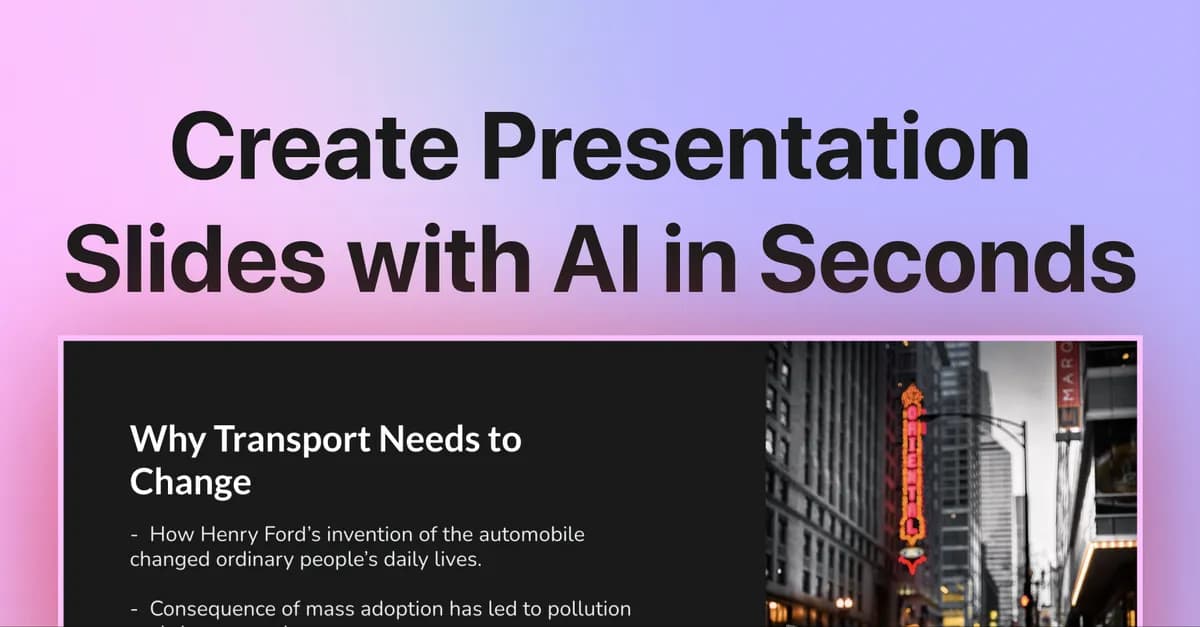

You have a meeting in ninety minutes and a two-page brief that needs to become a ten-slide deck. Opening Google Slides means staring at a blank layout, copying headings by hand, and fighting with text boxes that never line up. SlidesAI is built for exactly that moment: paste the text, pick a theme, and let it lay out the structure so you can spend your time editing rather than building from zero.
What SlidesAI Actually Does
SlidesAI is an add-on rather than a standalone app. It installs directly into Google Slides, and the vendor also publishes a PowerPoint add-in for both the web and desktop versions of Office, plus a custom GPT for use inside ChatGPT. You give it raw material — a topic prompt, pasted notes, or article-style text — and it generates slides with titles, body content, and a suggested layout. Because it lives inside the editor you already use, there is no export-import round trip: the generated deck appears as native slides you can immediately restyle, reorder, or delete.
That positioning is the most important thing to understand about it. SlidesAI is not trying to replace your presentation software; it is trying to remove the cold-start problem inside it. The output is a first draft, and you are still the editor. Set that expectation and the tool earns its place; expect a finished, client-ready deck with zero cleanup and you will be disappointed.
Who Gets the Most Out of It
The clearest fit is anyone who produces presentations regularly and already works in Google Workspace or Microsoft Office. Teachers turning lesson notes into class decks, students converting research into a summary talk, marketers reshaping a blog post into a pitch, and internal teams building recurring status or training slides all hit the same repetitive layout work that SlidesAI shortens. If you assemble a deck once a year, the value is thin. If you build them weekly, the minutes saved compound quickly.
It is a poor fit for highly bespoke, design-led presentations — investor decks, conference keynotes, or brand-critical sales collateral — where every slide is deliberately composed. For those, an AI first draft can even slow you down, because you end up dismantling the auto-layout to impose your own.
The Features That Carry Their Weight
The generation engine is the core, and it accepts more than a bare topic. You can paste substantial text and have SlidesAI break it into a slide-by-slide structure with headings and bullets, which matters because most real presentations start from existing material — a report, a brief, meeting notes — not a blank idea. The character limit per presentation is what governs how much source text you can feed in one pass, and it scales with your plan (2,500 characters on the free Basic tier, 6,000 on Pro, 12,000 on Premium).
Post-generation refinement is where the add-on separates itself from a one-shot generator. According to the vendor's site, you can rephrase text, shorten it, adjust tone, and modify layouts after the slides exist. This is the difference between a tool you use once and abandon and one you keep open: the first draft is rarely right, and being able to tighten a wordy slide or change its layout without leaving the flow is what keeps the time savings real.
SlidesAI supports over 100 languages, including Spanish, French, Italian, Japanese, and Russian, which makes it usable for non-English decks and multilingual teams rather than being an English-only convenience. On the visual side, it offers a large library of professional templates (150+ per the vendor) and can insert imagery, either AI-generated or from stock, so slides are not left as text-only walls. Document upload — feeding in a file rather than pasted text — is gated to the Pro and Premium plans.
One structural detail worth flagging: exports are in PPTX, which keeps the output compatible across both Google Slides and PowerPoint. If your organization moves decks between the two, that portability is genuinely useful and avoids the formatting breakage that plagues manual conversions.
Where It Fits in a Real Workflow
- Turning a written brief into a talk: paste a two- or three-page document (within your plan's character limit) and get a skeleton deck to edit before a meeting.
- Repurposing long-form content: marketers converting a blog post or case study into a slide summary for a webinar or pitch.
- Classroom and study material: educators building lesson decks and students turning research notes into a presentation without manual formatting.
- Multilingual decks: teams generating the same presentation in one of the 100+ supported languages instead of translating slide by slide.
- Cross-suite teams: groups that mix Google Slides and PowerPoint and want a single generator that exports to PPTX for both.
Pricing and the Limits That Matter
SlidesAI runs on a freemium model, and the caps are measured in three units you need to watch: presentations per year, AI credits per year, and characters per presentation. The distinction between a "presentation" and a "credit" is not fully spelled out on the pricing page, so treat credits as the resource that governs generation and refinement actions beyond the raw deck count.
| Plan | Price | Presentations/yr | Characters/deck | AI credits/yr |
|---|---|---|---|---|
| Basic (Free) | $0 | 12 | 2,500 | 120 |
| Pro | $10/mo ($120/yr) | 120 | 6,000 | 600 |
| Premium | $20.83/mo ($250/yr) | Unlimited | 12,000 | 1,200 |
The free Basic tier is a genuine trial rather than a permanent workhorse: 12 presentations across a whole year works out to one a month, which is enough to evaluate quality but not to depend on. Pro adds document upload and roughly ten times the annual deck allowance, which is the point where SlidesAI becomes a regular-use tool. Premium removes the presentation cap entirely and doubles the input character limit, aimed at people generating decks constantly or feeding in longer source material. The annual billing on Pro is presented as two months free versus monthly, a standard discount worth noting only because there is no month-to-month price published for the paid tiers on the page. You can compare it against other options in the AI presentation maker category.
The Honest Drawbacks
The most practical constraint is the credit and presentation accounting. Because usage is metered annually rather than as a flat unlimited flow (except on Premium), heavy iteration — regenerating a deck several times to get the structure right — draws down credits faster than the headline presentation count suggests. If you are a perfectionist who regenerates repeatedly, budget for a higher tier than the raw deck number implies.
The character limit per presentation is the second friction point. Long source documents have to be trimmed or split to fit, and the free tier's 2,500-character ceiling is restrictive for anything beyond a short brief. This is a real workflow decision, not a footnote: if your inputs are consistently long reports, the Premium tier's 12,000-character allowance is the practical minimum.
Finally, the add-on model cuts both ways. Living inside Google Slides or PowerPoint is convenient, but it also means SlidesAI inherits those editors' constraints and gives you less design control than a purpose-built AI deck platform. The generated layouts are a starting point, and complex custom designs will still need manual work. The vendor's own site does not publish detailed breakdowns of image-feature or support-tier differences between plans, so if those matter to your buying decision, confirm them directly before committing.
Final Assessment
SlidesAI is a focused, unpretentious tool that does one job well: it removes the blank-slide starting cost inside the presentation software you already use. Its value is highest for frequent deck-makers in Google Workspace or Office who want a fast structural draft and are comfortable editing afterward, and the PPTX export plus 100+ language support make it usable across mixed toolchains and multilingual teams. The main reasons to hesitate are the annual usage caps, the per-deck character limit, and the ceiling on design control. Try the free tier first, watch how quickly your credits deplete during real editing, and let that — not the presentation count alone — decide whether Pro or Premium is worth the spend. Browse more options across the tool directory if you need heavier design customization than an add-on can provide.
Common Questions About SlidesAI
Does SlidesAI work with PowerPoint or only Google Slides?
Both. It began as a Google Slides add-on and the vendor also publishes a PowerPoint add-in for the web and desktop versions of Office, plus a custom GPT for ChatGPT. Exports are in PPTX, so decks move between Google Slides and PowerPoint.
Is there a free version, and what are its limits?
Yes. The free Basic plan allows 12 presentations per year, up to 2,500 characters of input per presentation, and 120 AI credits per year. It is suitable for evaluating the tool but not for regular production use.
How much do the paid plans cost?
Pro is $10 per month, billed at $120 per year, and adds document upload plus 120 presentations and 600 AI credits annually with a 6,000-character input limit. Premium is $20.83 per month, billed at $250 per year, and offers unlimited presentations, 12,000-character inputs, and 1,200 AI credits per year.
What languages can it generate presentations in?
The vendor states support for over 100 languages, including English, Spanish, French, Italian, Japanese, and Russian.
Can I edit the slides after they are generated?
Yes. Because the output is native slides inside your editor, you can restyle and reorder them, and SlidesAI includes refinement tools to rephrase, shorten, adjust tone, and modify layouts after generation.