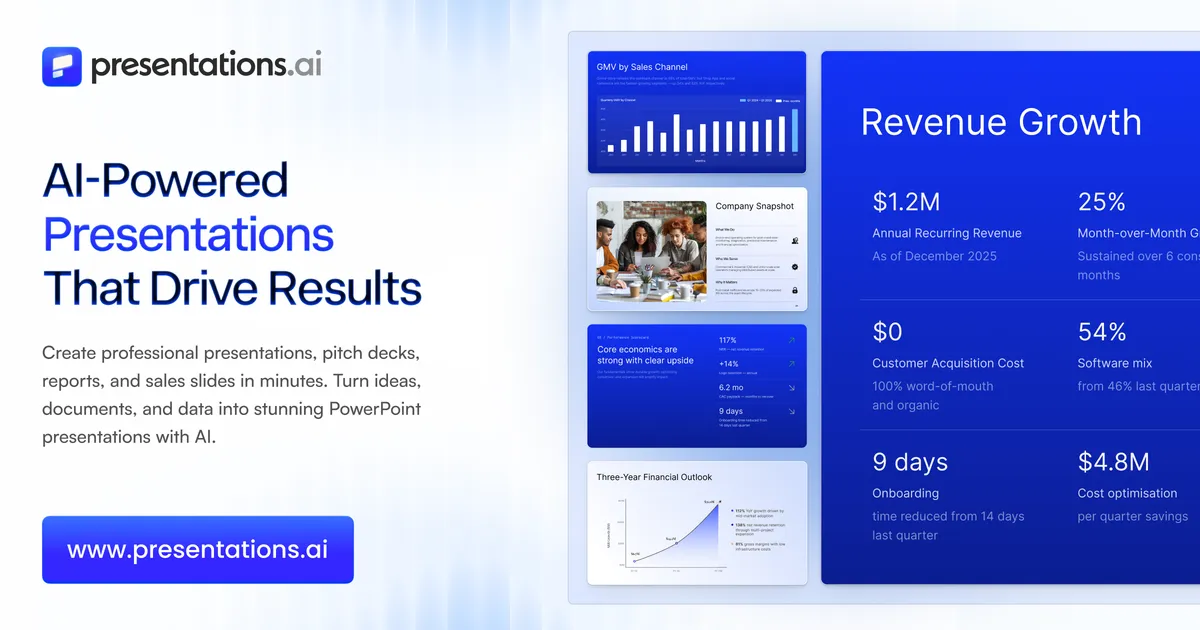

The short version: Presentations.AI is a web-based tool that turns a prompt, a document, or a connected data source into a structured, editable slide deck and exports it to PowerPoint and Google Slides. It is most useful when you value speed and consistent branding over pixel-level control, and its paid tiers lean hard into keeping decks synced with live business data.
What the tool actually generates
The core promise is straightforward: describe a topic in a prompt, or feed it a PDF, Word doc, Google Doc, Excel file, or a URL, and it returns a full deck with an intro, body sections, and a closing, complete with layout choices and applied styling. That input flexibility is the first thing worth dwelling on. A lot of AI presentation tools only accept a text prompt, which forces you to summarize your own source material before the tool ever sees it. Being able to hand it a finished report or a webpage means the structure of your existing content can carry through, so you spend less time re-typing points you have already written down.
Output lands as a fully editable .pptx file, and the vendor states decks work with both PowerPoint and Google Slides. This matters more than it sounds. Many generators trap you in their own web editor, and the moment you need to hand a deck to a colleague who lives in PowerPoint, you are stuck. An editable PPTX means the AI-generated deck is a starting point inside the tools your team already uses, not a dead end. It also means you can lean on the generator for the tedious 80 percent (structure, layout, first-pass copy) and finish the last 20 percent by hand where judgment matters.
Brand consistency without a design team
Presentations.AI includes a "Brand Sync" capability that pulls in logos, fonts, and colors so generated decks match a company style. For anyone who has watched a sales team produce ten slightly different versions of the corporate template, this is the practical payoff of an AI tool over a blank canvas: the machine applies the rules consistently every time. Custom brand colors and fonts are available across plans per the vendor, with more advanced brand customization and unlimited brand asset storage reserved for the top tier.
The data-refresh angle
The feature that most distinguishes Presentations.AI from a one-shot prompt-to-slides tool is its "Refresh" workflow. The vendor describes connecting to 50-plus data sources, naming Salesforce, HubSpot, Google Sheets, Tableau, Looker, Databox, Mixpanel, PostgreSQL, MySQL, and Snowflake, and supporting scheduled updates on a daily, weekly, or monthly cadence. The idea is that a master template updates with new data instead of being rebuilt from scratch. If your reality is a recurring board deck, a weekly metrics review, or a monthly client report, this is where the tool earns its keep: the layout is designed once, and the numbers flow in on schedule. It is a meaningfully different job than "make me a pitch deck," and it is the reason the higher price tiers can be justified for teams that live in reporting cycles.
One caveat worth stating plainly: connecting live production databases like PostgreSQL or Snowflake to a third-party presentation service is a data-governance decision, not just a convenience. The vendor lists SOC 2 Type II certification, GDPR compliance, AES-256 encryption at rest, TLS 1.2+ in transit, and states that content is never used to train AI models. Those are the right claims to see, but if you are piping in customer or financial data, route the decision through whoever owns security at your organization rather than wiring it up on a free trial.
Collaboration and audience targeting
The vendor cites multi-team workspaces with role-based permissions and an "audience customization" feature for producing personalized versions of a deck. Guest collaboration scales by plan: up to 10 guest collaborators on Pro and unlimited on the top tier. Password-protected sharing links and basic analytics such as view counts and slide engagement are also documented, with presentation tracking positioned as a paid feature. Analytics on a shared deck are genuinely useful for sales and fundraising contexts, where knowing which slides a prospect lingered on tells you where the interest actually is.
Where it fits in real work
A few scenarios map cleanly onto the documented feature set. A consultant or founder who needs a credible first draft of a deck in an afternoon can prompt, refine, and export to PowerPoint for the final polish. A revenue or operations team that produces the same report every week can build a branded master once and let the Refresh feature and scheduled updates pull current figures from their CRM or warehouse. A marketing team that fights template drift across dozens of contributors can use Brand Sync to keep every deck on-brand without manual policing.
It fits less well when the presentation is the deliverable and design is the point, for example a keynote or an award-submission deck where custom illustration and bespoke motion carry the message. In those cases the AI output is a scaffold at best, and a designer will rebuild most of it. Be honest with yourself about which category your presentation falls into before you decide whether this tool saves you time or just adds a step.
What it costs
Presentations.AI uses a credit-based freemium model. The plans documented by the vendor:
| Plan | Price | Credits (annual) | Notable inclusions |
|---|---|---|---|
| Starter | $0 | 100 | Starter AI model and agent, up to 20 slides, custom brand colors and fonts; PowerPoint/PDF export and limited guest collaboration are shown on the comparison table but positioned as Pro benefits in the marketing copy |
| Pro | $20/mo ($240/yr) | 5,000 | Advanced AI, PowerPoint/PDF export, tracking and analytics, brand customization, up to 10 guest collaborators, password-protected links |
| Gold | $100/mo ($1,200/yr) | 50,000 | Everything in Pro plus frontier AI models and agents, shared knowledge base, unlimited guest collaborators, custom templates, unlimited brand asset storage |
The free Starter plan requires no credit card, which makes it a low-friction way to judge output quality before paying. Two things deserve attention. First, the credit model means "how much can I make" depends on consumption per generation, which the vendor does not fully break down publicly, so estimate your real usage during the free trial rather than assuming the credit counts map neatly to a number of decks. Second, the vendor's own pages are inconsistent about what the free Starter tier includes: the marketing copy frames PowerPoint export and tracking analytics as Pro upgrades, while the detailed feature-comparison table shows export and limited guest collaboration checkmarked on Starter too. Confirm on the current pricing page what your free plan actually unlocks before you assume you need to pay to export. More AI tools in this space are compared in the AI presentation maker category.
Strengths worth weighing
- Accepts prompts, documents (PDF, Word, Google Docs, Excel), and URLs, so existing content flows in without re-typing.
- Exports editable PPTX compatible with PowerPoint and Google Slides, avoiding lock-in to a proprietary editor.
- Brand Sync applies logos, fonts, and colors consistently, which is the main reason to prefer this over a blank template.
- The Refresh workflow plus 50-plus data connectors and scheduled updates make recurring, data-driven decks a genuine use case rather than a marketing line.
- Documented security posture (SOC 2 Type II, GDPR, AES-256, no training on your content) is appropriate for business data.
- A no-credit-card free tier lets you test output quality before committing.
Limitations and open questions
- Pricing is credit-based, and per-generation credit costs are not fully published, so predicting monthly spend requires testing.
- The free Starter plan caps decks at 20 slides, and the vendor's marketing copy and feature-comparison table disagree on whether it includes export and analytics, so what the free tier actually unlocks is worth confirming directly.
- API access and white-label options are described in general vendor materials but are not spelled out on the pricing page, so treat availability and cost as something to confirm directly before you plan around them.
- AI-generated design is a scaffold, not a finished creative asset; high-stakes or heavily designed decks will still need a human designer.
- Headline claims such as being "trusted by over 10 million professional teams" and named enterprise logos are vendor-stated and not independently verified here.
Who should use it, and who should skip it
If your bottleneck is getting from a document or a topic to a structured, on-brand first draft, and especially if you produce recurring reports tied to live data, Presentations.AI addresses that problem directly and the Pro tier at $20 per month is a reasonable place to start. If you are a designer, an agency, or anyone whose presentations must be visually distinctive to do their job, the tool will feel like it fights you, and the value proposition narrows to "faster scaffolding" rather than "finished work." The free plan is the correct first move for everyone: generate a couple of real decks against your own content, judge the layout quality and how many credits you burn, and only then decide whether a paid tier fits your cadence. You can browse more options across the full tool directory or read related coverage on the blog.
Common questions
Can Presentations.AI turn an existing document into slides?
Yes. The vendor states it can generate decks from text prompts as well as PDFs, Word documents, Google Docs, Excel files, and URLs, so you can build a presentation from source material you already have rather than starting from a blank prompt.
Does it export to PowerPoint and Google Slides?
Yes. Output is provided as a fully editable .pptx file that works with PowerPoint and Google Slides. PowerPoint/PDF export is highlighted as a paid Pro feature in the marketing copy, though the feature-comparison table also shows it on the free Starter tier, so check the current pricing page to see which applies to your plan.
Is there a free version?
There is a free Starter plan priced at $0 with no credit card required. It includes 100 annual credits and a 20-slide cap, and it is best treated as an evaluation tier. Note that the vendor's marketing copy positions PowerPoint export and tracking analytics as Pro upgrades, while its feature-comparison table appears to check export and limited guest collaboration on Starter as well, so confirm the current inclusions before relying on them.
Can it keep a deck updated with live data?
Yes, on paid plans. The vendor describes a Refresh workflow that connects to more than 50 data sources, including Salesforce, HubSpot, Google Sheets, Snowflake, and others, and supports scheduled daily, weekly, or monthly updates so a master template refreshes with new data instead of being rebuilt.
How much does the paid version cost?
The Pro plan is $20 per month (billed as $240 annually) with 5,000 annual credits, and the Gold plan is $100 per month ($1,200 annually) with 50,000 annual credits. Pricing is credit-based, and the per-generation credit cost is not fully published.