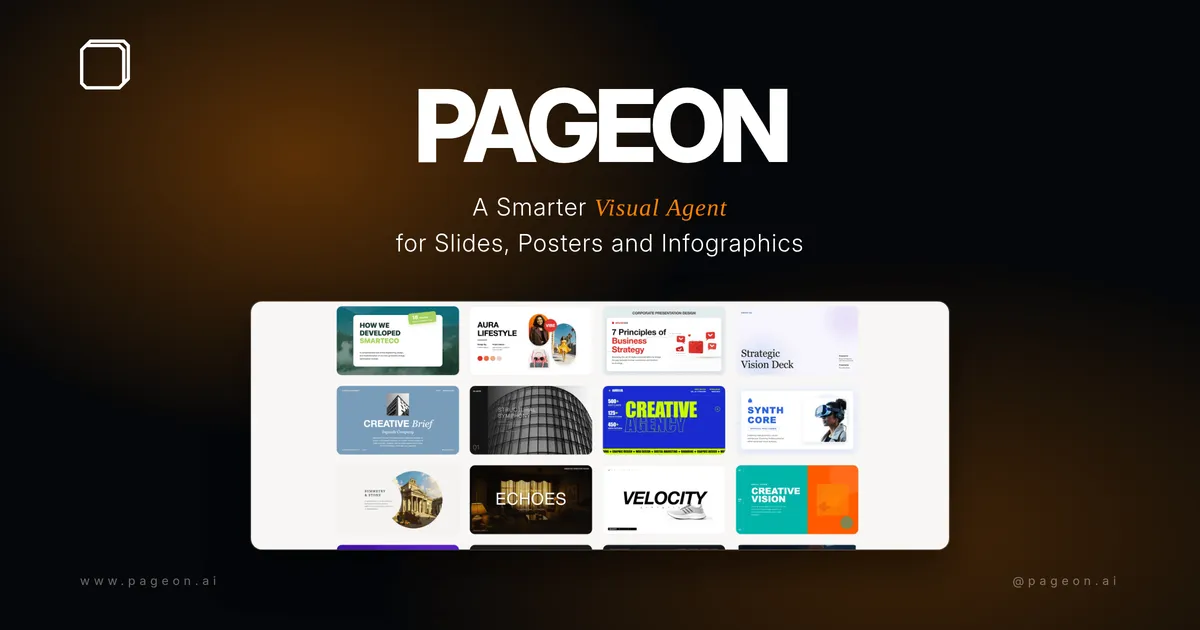

What PageOn.AI Is
PageOn.AI is a content creation platform that builds presentations, infographics, and interactive documents from a single prompt. Instead of dragging boxes around a blank slide, you describe what you need and a set of AI agents do the legwork: they research the topic, plan a logical structure, and lay out the pages with matching visuals. The output is closer to a small interactive site than a static slide deck, which is the main thing that sets it apart from a plain template generator.
It sits in the AI writing assistant category, but the writing is wrapped around visual storytelling. If your job involves explaining something to an audience, a client, or an investor, that is the use case it is built around.
How It Works
You start with a topic or a goal. The AI agents handle three jobs in sequence: research the subject, decide how the story should be ordered, and design each page so it reads cleanly. From there you refine. PageOn describes its building blocks as modular components you snap together like Lego pieces, so reshuffling a section or swapping a chart does not mean rebuilding the whole deck.
One practical touch is brand handling. You upload your brand identity once, or point it at a website URL, and the system applies your colors and styling across the whole project. That keeps a ten-page document looking like one piece rather than ten different ones.
Standout Features
Interactive elements
This is where PageOn leans away from ordinary slide tools. Pages can carry live data visualization through Plotly charts, embedded video and audio, animated SVG graphics, and interactive maps for location-based stories. A finished page can behave more like a mini web experience than a flat image.
AI agents that plan, not just write
The agents do not only fill text into a template. They research and structure first, so the draft arrives with an argument already shaped. That saves the awkward step of staring at an empty outline.
Modular Lego-style components
Sections are reusable blocks. You can rearrange, duplicate, or restyle them without the layout collapsing, which makes iteration fast when a stakeholder asks for changes.
Template styles and brand control
There is a named style library covering looks like a clean grid layout, a split minimal agency style, and heritage-style themes, alongside the brand kit that applies your identity automatically. Picking a style sets the tone for an entire project in one click, and you can still override individual blocks afterward.
Collaboration and reach
PageOn supports real-time team collaboration, so more than one person can shape a deck without emailing versions back and forth. The platform reports use across a wide span of countries, which is a reasonable signal that the workflow holds up for different languages and audiences rather than being tuned to one market.
Exports And Where It Fits
Finished work exports to PDF, PowerPoint (PPTX), and image files, and it can be shared as an interactive web link that preserves the live elements. The PPTX route matters for teams that have to drop a deck into an existing corporate workflow, while the web link is the better choice when you want the charts and embeds to stay interactive.
Typical users include solo creators and freelancers, marketing teams and agencies, and startups putting together investor pitches. It is a strong fit when the content is data-heavy or needs to feel polished quickly. It is less essential if you only ever make three-slide internal updates, where a basic editor would do.
A common workflow looks like this: paste your topic or point PageOn at a source URL, let the agents draft a structured first version, swap in your brand kit, then drop in a live chart or an embedded clip where a static image would have fallen flat. The result is a sharable link or a clean PPTX export, depending on whether the audience benefits from interactivity. That research-to-publish loop is where the tool saves the most time compared with building everything by hand.
Pricing And Plans
PageOn.AI uses a freemium model. There is a free tier with a limited number of files and capped AI usage so you can try the workflow before paying. Paid Pro plans unlock fuller AI access and more projects, with monthly and discounted annual billing options. Because plan details and limits change, check the pricing page on the site for the current numbers before committing.
The Verdict
PageOn.AI is a sensible pick if your presentations need to do more than show bullet points, especially when live charts, embedded media, and consistent branding matter. The agent-led research and structuring genuinely cut the setup time, and the interactive web export is a real differentiator. The trade-off is that the interactive features shine most when you actually use them; if all you need is a plain export to slides, simpler tools may feel lighter. For data storytelling, pitches, and branded content, it earns its place.