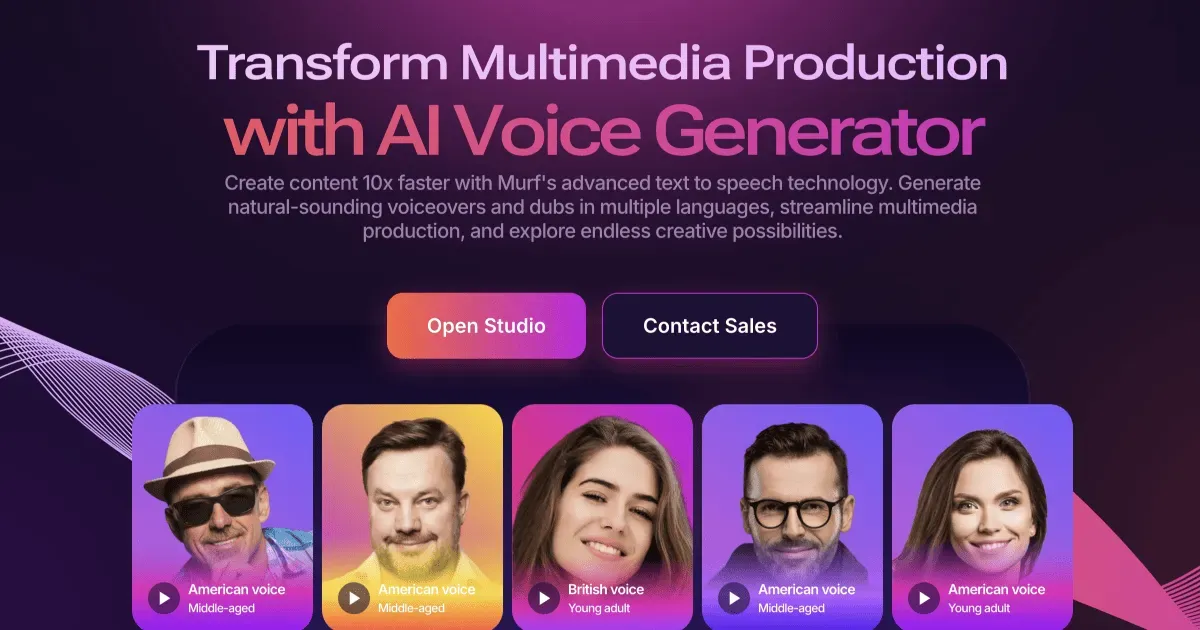

Having spent enough time with text-to-speech platforms to be wary of demo-reel voices that fall apart on real scripts, I approached Murf as a working tool rather than a novelty. It positions itself as an AI voice generator wrapped around a production studio, and that framing turns out to be the most honest way to describe it: the voices are the draw, but the editing environment around them is what determines whether you actually ship usable audio.
What Murf actually is
At its core, Murf converts written scripts into synthetic speech. The vendor states a library of more than 200 voices spanning 35+ languages and a wide set of regional accents, including English, German, French, Spanish, Portuguese, Arabic, Hindi, Tamil, Chinese, Japanese, Korean, and several Nordic and Eastern European languages. That breadth matters less as a headline number and more as a practical hedge: if you are producing localized e-learning or multilingual marketing audio, the odds that Murf covers your target language and a plausible accent are reasonably high. For a single-language creator, the count is largely irrelevant beyond having two or three voices you genuinely like.
The product runs in the browser. There is no desktop application to install, which is convenient for teams but also means your workflow is tied to a stable connection and Murf's servers. Everything happens inside what the company calls the Studio.
The studio is the real workflow
The distinction I would stress to anyone evaluating Murf is that it is not a bare text-to-speech box. The Studio is a timeline-style editor where you assemble a voiceover the way you would in an audio project: blocks of narration, adjustable timing, and the ability to layer voice against video, images, and background music. That integration is the point. If your end product is a training module or an explainer video, generating the audio and syncing it to visuals in the same place removes an export-import loop that otherwise eats time and introduces drift between audio and picture.
Within a block, you get control over how a line is delivered. In practice this means adjusting pace and emphasis and correcting pronunciation, which is where AI narration usually breaks down. Any synthetic voice will mishandle a product name, an acronym, or an unusual proper noun, and the difference between a tool you can rely on and one you fight with is how quickly you can force a correct reading. Murf exposes these controls per-segment rather than forcing a single global setting, which is the right design for scripts that mix ordinary prose with jargon.
Depth beyond straight narration
Murf has expanded well past reading text aloud, and a few of these capabilities are worth understanding before you assume you need a competitor for them.
- Voice Changer lets you record your own delivery and convert it into a studio-quality synthetic voice. This is genuinely useful when timing and emotional emphasis matter: you perform the read the way you want it, then hand the acting to the model rather than typing and hoping the engine infers your intent.
- Voice cloning is offered through a feature the vendor markets as "Say It My Way," aimed at reproducing a specific voice and delivery style. As with every cloning tool, the practical caveats are consent and rights, not just quality; treat it as a feature for voices you are authorized to reproduce.
- AI Dubbing translates video into other languages, with Murf citing support across 40+ languages. For anyone repurposing a single source video into multiple markets, this collapses a translation-plus-re-record pipeline into one step, though machine dubbing still warrants a human review pass for anything customer-facing.
- A text-to-speech API exists for teams that want to generate audio programmatically inside their own applications rather than through the Studio interface. Murf references distinct models for different jobs and publishes performance figures such as sub-130ms end-to-end latency and a 99.38% pronunciation-accuracy claim for its content model. I would read vendor benchmarks as directional rather than gospel, but the presence of a real API is the meaningful fact for developers.
Fit with existing tools
Murf lists integrations with Canva, PowerPoint, Google Slides, and Adobe Captivate. Those choices tell you who the product is aimed at: presentation builders, marketers, and instructional designers who already live in slide and course-authoring software and want narration without leaving it. If your production centers on a professional digital audio workstation instead, the browser Studio may feel like a detour rather than a home base, and that is a legitimate reason to look elsewhere.
Who it suits, and who should hesitate
Murf makes the most sense for e-learning developers, video producers, and marketing teams that need consistent, presentable narration on a schedule and do not want to book voice talent or manage recording sessions. Team workspaces and shared projects are available on paid plans, which supports the case for small and mid-sized teams standardizing on one voice library. Explore other options in the AI voice generator category if your priority is a specific vocal style Murf does not carry.
Where I would set expectations carefully: no synthetic voice yet matches a skilled human performer on long-form emotional storytelling, and Murf is no exception. For audiobooks with dramatic range or advertising that hinges on a distinctive human read, treat AI narration as a draft or a cost-saving baseline, not a replacement. The tool is strongest on functional, information-dense audio where clarity and consistency outrank artistry.
What the pricing looks like
Murf uses a freemium model. There is a free tier the vendor documents as 10 minutes of voice generation without a commercial license, which is enough to test voices against your own script but not to publish. Paid subscriptions unlock higher generation limits, commercial usage rights, team collaboration, and access to features such as voice cloning. Murf does not publish its exact plan prices in a form I could verify here, so I would advise checking the current tiers on the official pricing page before budgeting; the practical takeaway is that the free plan is a genuine evaluation tool rather than a usable production allowance.
One point worth internalizing about any voice platform: the free plan's minute cap almost always excludes commercial rights, so confirm licensing before you use generated audio in anything public. You can compare Murf against neighboring products in our tools directory or read broader context on the blog.
The verdict
Murf is a competent, well-scoped AI voice platform whose real value is the combination of a large multilingual voice library with a studio that turns raw synthesis into finished, timed audio. The dubbing, voice changer, and API extend it beyond a simple narrator into something a team can build a repeatable workflow around. It is a strong default for e-learning, corporate video, and marketing audio, and a weaker choice for work that demands the nuance of a professional human voice actor. Test the free minutes against your own hardest script - names, numbers, and all - before committing, because that is where every text-to-speech tool reveals its true ceiling.
Common questions about Murf
How many voices and languages does Murf support?
Murf states a library of more than 200 voices across 35+ languages, with a range of regional accents. Its AI Dubbing feature separately references support for 40+ languages for video translation.
Does Murf have a free plan?
Yes. Murf offers a free tier that the vendor documents as 10 minutes of voice generation and that does not include a commercial license, making it suitable for evaluation rather than published production work.
Can Murf clone my own voice?
Murf provides voice cloning through a feature marketed as "Say It My Way," and a separate Voice Changer that converts your own recording into a studio-quality synthetic voice. As with any cloning feature, you should only reproduce voices you are authorized to use.
Does Murf integrate with the tools I already use?
Murf lists integrations with Canva, PowerPoint, Google Slides, and Adobe Captivate, which reflects its focus on presentation, marketing, and course-authoring workflows.
Is there an API for developers?
Yes. Murf offers a text-to-speech API for generating audio programmatically, and publishes performance figures including sub-130ms end-to-end latency and a 99.38% pronunciation-accuracy claim for its content model. Vendor benchmarks should be verified against your own use case.