
The problem Lindy sets out to solve is mundane and relentless: the administrative layer that sits on top of knowledge work. Inbox triage, chasing down a meeting time across three calendars, taking notes while also trying to participate in a call, writing the follow-up email an hour later, and remembering to log the outcome somewhere your team can see it. None of these tasks are hard individually. Collectively they eat hours a week and rarely feel like the work you were actually hired to do. Lindy positions itself as the assistant that absorbs that layer so a person can spend more time on the parts that require judgment.
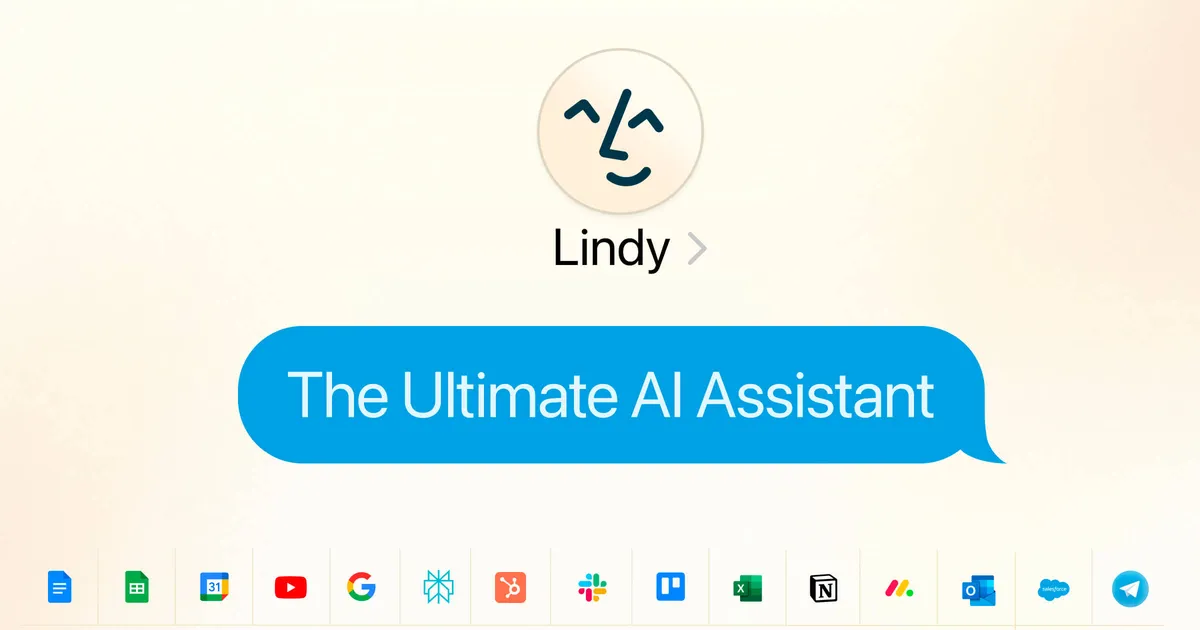
It helps to be precise about what Lindy is, because the category around it is noisy. On its current site, Lindy describes itself as a personal AI work assistant that operates across the apps you already use — email, calendar, meeting tools, and CRM — rather than a general chatbot you paste prompts into. The distinction matters: the value is in it acting inside your existing workflow, reading your inbox and updating your records, not in giving you another window to type into.
How Lindy tries to take the busywork off your plate
The assistant clusters its work around a few concrete areas, each mapped to a recurring pain point.
Inbox handling. Lindy labels, triages, and prioritizes incoming mail and drafts replies in your voice. The practical payoff is not "zero inbox" — it is that the sorting and the first draft are already done when you sit down, so you are editing and approving rather than starting from a blank message. Whether it genuinely matches your tone is something you can only judge after feeding it your own correspondence for a week; tone matching is the kind of feature that reads well on a landing page and varies a lot in practice.
Meetings. Lindy can join calls, record them, produce notes, summarize decisions, and extract action items. For anyone who currently splits attention between listening and typing, offloading the transcript and the decision log is the clearest, most testable benefit here — you either get usable notes afterward or you do not.
Scheduling. It finds times, coordinates across calendars, sends invites, and handles rescheduling. This is the classic back-and-forth that email tag was invented to torture us with, and it is a sensible thing to delegate because the rules are simple and the stakes of a mistake are low.
Follow-ups and CRM context. After a meeting, Lindy drafts and sends follow-up emails, reminders, and task updates, and it helps turn calls and customer context into CRM notes and next steps. The follow-through gap — the good conversation that never gets logged or actioned — is exactly where deals and relationships quietly stall, so automating it targets a real failure mode rather than a cosmetic one.
Delegation from your phone. All plans include the ability to hand work to Lindy over iMessage/SMS, which fits the reality that a lot of "remember to do X" moments happen away from a desk.
Lindy connects to the tools most teams already run on. The apps it names include the following:
- Gmail and Outlook for email
- Google Calendar for scheduling
- Slack and Microsoft Teams for messaging
- Zoom for meetings
- Notion for documents and notes
- HubSpot and Salesforce for CRM
- Additional apps such as Google Sheets, Google Drive, Calendly, and Airtable
The company describes "hundreds of integrations" overall rather than publishing a fixed catalog size, and its plan pages reference 100-plus connected apps. The set that matters for most buyers — the two big email stacks, both major CRMs, the common calendar and meeting tools — is present, which is the part worth verifying against your own stack before anything else.
Where it falls short and what to watch for
The honest caveats start with autonomy. An assistant that reads your mail, drafts in your name, and writes to your CRM is only useful if you trust it to act, but that same reach is the risk. A wrongly sent reply or a mislogged CRM note carries real consequences, so the sensible on-ramp is to keep Lindy in a draft-and-approve posture for anything client-facing until it has earned trust on lower-stakes work. Treat the first few weeks as a supervised trial, not a set-and-forget deployment.
The second caveat is measurement. Lindy does not publish specific usage limits per plan — the tiers are described in relative terms (Pro offers roughly three times the usage of Plus, Max around seven times), and the guidance is essentially "upgrade when you hit the ceiling." That makes it hard to model cost against volume in advance, so heavy users should budget for the possibility of moving up a tier once real usage settles.
Third, there is no permanent free plan. Access starts with a 7-day free trial, which is enough time to test inbox triage and meeting notes on real data but tight for evaluating something like long-running CRM hygiene, which only shows its value over weeks.
Finally, effectiveness depends heavily on how clean and connected your existing tools are. If your team's CRM is already a mess or your calendar practices are inconsistent, an assistant acting on that data inherits the mess. Lindy amplifies an organized workflow more reliably than it repairs a disorganized one.
What the plans cost
Lindy is a subscription product with a freemium-style entry via a trial rather than a free tier. The individual plans differ mainly by how many inboxes you can connect and how much usage you get, with computer-use capability reserved for the higher tiers.
| Plan | Price | Connected inboxes | Notable difference |
|---|---|---|---|
| Plus | $49.99/month | Up to 2 | Standard usage allowance |
| Pro | $99.99/month | Up to 3 | ~3x Plus usage; adds computer use |
| Max | $199.99/month | Up to 5 | ~7x Plus usage |
| Enterprise | Custom | Custom | SSO, SCIM, audit logs, HIPAA |
All individual plans include email drafting, scheduling, meeting recording and notes, calendar management, iMessage/SMS access, and the standard integration set. The 7-day trial requires no credit card to start. Enterprise is the tier to ask about if you need single sign-on, SCIM provisioning, audit logging, or HIPAA handling — those governance features are not part of the individual plans. You can see how it compares with other options in the AI agents category or browse the wider tools directory.
Who should try it, and who can skip it
Lindy makes the most sense for individuals and small teams whose day is dominated by email volume, meeting cadence, and the follow-up and CRM work that trails behind them — salespeople, recruiters, customer success staff, consultants, and founders wearing several hats. If your bottleneck is genuinely the administrative layer around communication, the pricing is modest relative to the time at stake, and the trial is a low-commitment way to find out whether the tone-matching and note-taking hold up on your own data.
It is a weaker fit if you need documented, contractual usage guarantees before committing, if your work is not centered on email and meetings, or if your underlying tools and data are disorganized enough that automation would spread errors rather than save time. The most reliable way to decide is to run the trial against real correspondence and a few real meetings, keep it in approve-before-send mode, and judge the drafts and summaries on their merits. For more on evaluating tools in this space, the blog covers related workflows.
Common questions about Lindy
Does Lindy offer a free plan?
Not a permanent one. Every individual plan includes a 7-day free trial with full Plus-level features and no credit card required to start, but there is no ongoing free tier after the trial ends.
What does Lindy actually do day to day?
It manages your inbox by labeling, triaging, prioritizing, and drafting replies in your voice; joins and records meetings to produce notes, decisions, and action items; coordinates scheduling and rescheduling across calendars; drafts follow-ups; and helps turn calls and customer context into CRM notes and next steps.
Which apps does Lindy connect to?
Named integrations include Gmail, Outlook, Google Calendar, Slack, Microsoft Teams, Zoom, Notion, HubSpot, and Salesforce, along with tools like Google Sheets, Google Drive, Calendly, and Airtable. The company describes hundreds of integrations in total rather than a fixed published count.
How much does Lindy cost?
Plus is $49.99 per month (up to 2 inboxes), Pro is $99.99 (up to 3 inboxes, plus computer use), and Max is $199.99 (up to 5 inboxes). Enterprise pricing is custom and adds SSO, SCIM, audit logs, and HIPAA support.
What is the difference between the paid tiers?
Mainly usage volume and connected inboxes. Pro provides roughly three times the usage of Plus and adds computer-use capability, while Max provides around seven times the Plus usage. Exact per-plan usage limits are not publicly disclosed.