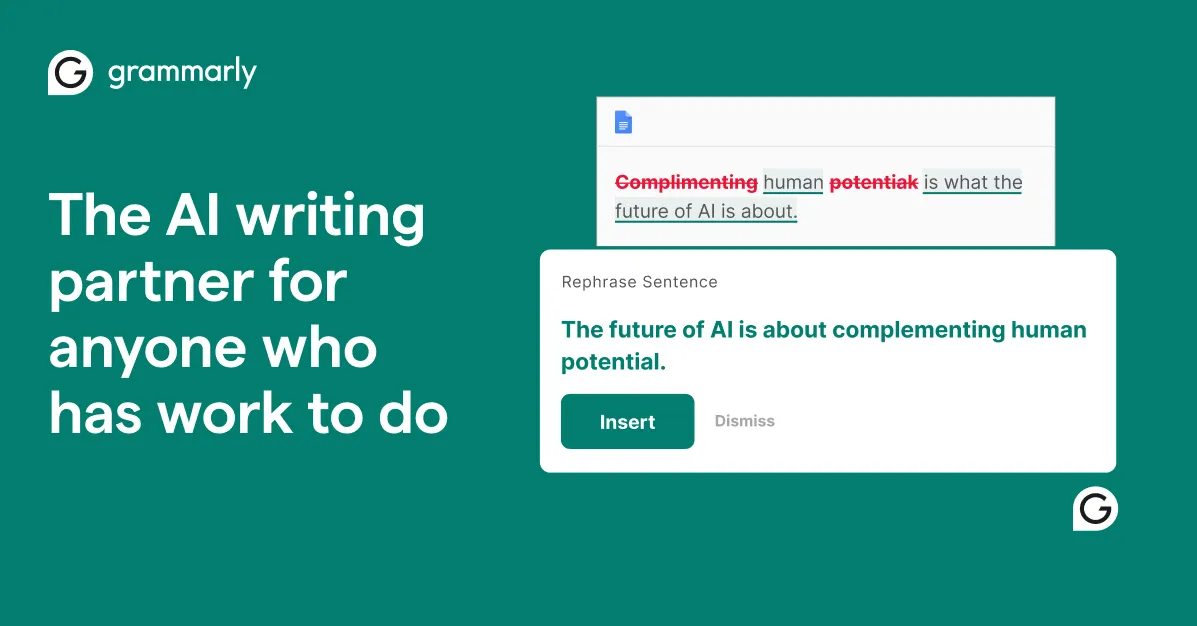

Most writing mistakes are not caught by the person who made them. You reread your own sentence and your brain quietly supplies the word you meant instead of the word you typed. A missing article, a comma that changes the meaning, a message that reads as blunt when you intended it to sound warm, a sentence that runs three clauses too long. These slip through in email, in reports, in support replies, and in coursework, and they carry a small but real cost to how credible the writer looks. Grammarly exists to close that gap by reading your text the moment you write it, wherever you happen to be writing.
The problem it is built to solve
The core difficulty is not that people cannot learn grammar rules. It is that self-editing in real time is unreliable, and switching to a separate proofreading tool breaks concentration. By the time you paste text into a checker, run it, and copy corrections back, the momentum is gone. Grammarly's answer is to embed the check into the surface where the writing happens rather than asking you to come to it. It runs as a browser extension across Chrome, Safari, Firefox, and Edge, as desktop applications for Windows and Mac, as mobile apps and keyboards for iPhone, iPad, and Android, and through integrations with Microsoft Office and Google Docs. The practical effect is that suggestions appear inline in Gmail, a Word document, a shared doc, or a text field on almost any website, so correction becomes part of typing instead of a separate task.
How the assistance actually works
Grammarly's suggestions fall into a few distinct layers, and understanding the difference matters because they carry different levels of reliability.
The first layer is mechanical: grammar, spelling, and punctuation. This is the most dependable part of the product. It reliably catches subject-verb disagreement, misplaced or missing punctuation, and the everyday typos your eye skips. If you are a non-native English writer or someone who drafts quickly and cleans up later, this alone removes a category of errors that spellcheck in a word processor tends to miss.
The second layer is stylistic: clarity and flow. Here Grammarly flags wordy constructions, tangled sentences, and passive phrasing, and proposes tighter rewrites. This is genuinely useful but should be treated as advice rather than instruction. A rewrite that reads cleaner in isolation can flatten a deliberate voice or strip nuance from a technical sentence, so this layer rewards a writer who evaluates each suggestion rather than accepting everything.
The third layer is tone. Grammarly detects how a piece is likely to read to a recipient and can suggest adjustments, which is most valuable in email and customer-facing writing where the difference between "curt" and "professional" has consequences. It is a signal, not a guarantee, since tone depends heavily on context the tool cannot see, but as a second opinion before you hit send it catches messages that land harder than intended.
Beyond editing, Grammarly now includes generative and analytical features: full-sentence and paragraph rewrites, a paraphrasing tool, generative text creation from prompts, a plagiarism check that compares text against web sources, an AI detector that estimates whether text reads as AI-generated, a citation generator, and a word counter. The generative side moves the product from correcting what you wrote toward helping you draft it, though the same caution applies as with any AI-generated text: it needs a human to verify facts and keep the writing honest to its purpose.
What is included
- Real-time grammar, spelling, and punctuation correction
- Clarity and flow suggestions with proposed rewrites
- Tone detection and tone adjustment
- Full-sentence and paragraph rewrites plus a paraphrasing tool
- Generative AI text drafting from prompts
- Plagiarism detection against web sources and an AI-content detector
- Citation generator and word counter
- Browser extensions for Chrome, Safari, Firefox, and Edge
- Desktop apps for Windows and Mac; mobile apps for iPhone, iPad, and Android
- Integrations with Microsoft Office and Google Docs
- Team and organization features, including confidential mode, granular permissions, and data loss prevention at the enterprise level
Where it falls short
The honest tradeoffs are worth stating plainly. Grammarly is strongest with general, everyday English and weaker with specialized registers. Legal, medical, scientific, and heavily technical writing often use phrasing that Grammarly reads as an error, so writers in those fields spend time dismissing valid text. It is also built around English, which limits it for multilingual writers who need coverage in other languages.
Style and tone suggestions can push writing toward a smoother, more generic voice. Accept them uncritically over time and your prose starts to sound like everyone else who accepted them. The always-on browser extension is another consideration: it observes text in the fields where it operates, which is convenient but is a real privacy and security question in regulated environments, and it is part of why the enterprise tier emphasizes confidential mode and data controls. Finally, the AI detector and plagiarism check are indicators rather than verdicts. Treating an AI-detection score as proof of how a document was written is a known failure mode across all such tools, and Grammarly's is no exception.
Plan structure and what to expect
Grammarly uses a freemium model. The free plan covers the essentials: it catches spelling and grammar mistakes, shows writing tone, and includes a limited monthly allowance of AI prompts. For many people the free tier is enough for clean everyday writing, and it is a reasonable way to judge whether the inline experience fits how you work before paying.
Paid individual plans unlock the advanced clarity, full-sentence rewrites, tone adjustment, plagiarism and AI detection, and a substantially larger monthly allowance of AI prompts. Grammarly's pricing is shown per member and is regionalized, so the exact figure and even the plan name depend on where you are; the site currently surfaces an India-specific "Plus" plan, for example. Because of that, confirm the current price and plan names on Grammarly's own pricing page for your region rather than relying on a single quoted number.
At the top end, the Enterprise plan is quoted through sales rather than published as a flat price. It adds unlimited AI prompts, dedicated support, confidential mode, granular roles and permissions, and data loss prevention, along with administrative and security controls that matter when many people write under one brand and one compliance policy. The published details do not include a public per-seat number for enterprise, so treat any specific enterprise figure you see elsewhere as unconfirmed. You can compare it against other options in the AI grammar checker category if team governance is your deciding factor.
Who should use it, and who should not
Grammarly makes the most sense for students, professionals who write email and documents all day, content and marketing writers, customer support teams, and non-native English speakers who want a consistent safety net across every app they touch. Its reach is one of its real advantages: Grammarly reports on the order of 40 million individual users and roughly 50,000 organizations, which reflects how broadly the inline model has been adopted rather than any claim about output quality.
It is a weaker fit if your writing is dominated by specialized jargon that a general-purpose checker will constantly misread, if you need robust support for languages other than English, or if you write in an environment where an extension observing your text is not acceptable. In those cases the friction may outweigh the benefit. For a broader view of adjacent writing and editing software, the wider tools directory and the blog are useful starting points.
Assessment
Grammarly earns its place by being present at the moment of writing rather than after it, and by getting the mechanical layer right often enough that trusting it becomes a habit. The clarity, tone, and generative features add value when used as suggestions from an attentive but fallible assistant, and cause trouble when accepted without judgment. If you write frequently in English across several apps and want fewer avoidable errors leaving your keyboard, the free plan is worth trying first; upgrade only once you have confirmed the advanced rewrites and larger AI allowance solve a problem you actually have.
Common questions
Does Grammarly work inside the apps I already use?
Yes. It runs as browser extensions for Chrome, Safari, Firefox, and Edge, as desktop apps for Windows and Mac, as mobile apps for iPhone, iPad, and Android, and through integrations with Microsoft Office and Google Docs, so suggestions appear inline where you write.
Is there a free version?
Yes. The free plan checks spelling and grammar, shows your writing's tone, and includes a limited monthly allowance of AI prompts. Advanced clarity, full-sentence rewrites, plagiarism and AI detection, and a larger AI-prompt allowance are part of the paid plans.
Can Grammarly detect plagiarism and AI-generated text?
It includes a plagiarism check that compares text against web sources and an AI detector that estimates whether text reads as AI-generated. Both are indicators to inform a human review, not definitive proof of how a document was produced.
Does it help with tone, not just correctness?
Yes. Grammarly detects the likely tone of a piece and can suggest adjustments, which is most useful in email and customer-facing writing. It is a second opinion rather than a guarantee, since tone depends on context the tool cannot fully see.
How much does a paid plan cost?
Pricing is per member and regionalized, and plan names vary by location, so the exact figure depends on where you are. Enterprise pricing is handled through sales rather than published as a flat rate. Check Grammarly's pricing page for your region for the current number.