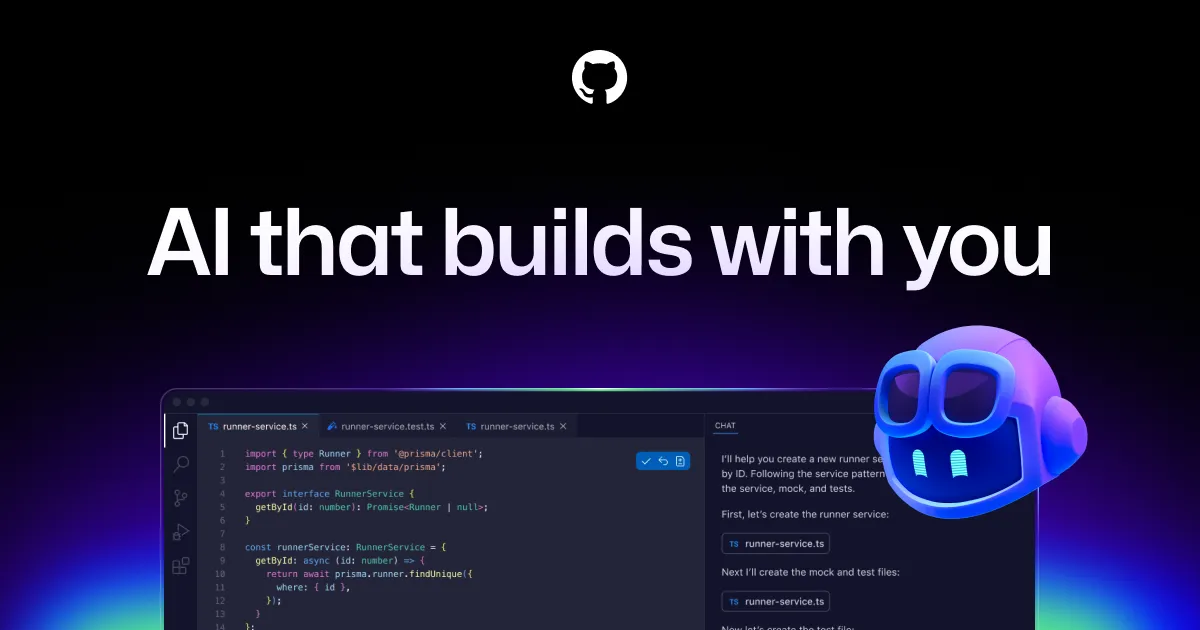

AI code generators now sit on a spectrum. At one end are standalone chat windows you paste snippets into; at the other are autonomous systems that attempt whole tasks with minimal oversight. GitHub Copilot's design choice is to live where developers already work — inside the editor and inside the GitHub workflow — rather than pulling them into a separate surface. That positioning is the single most important thing to understand about it. It is less a destination and more a layer that rides along with the code you are already writing, which shapes both its strengths and the situations where it underdelivers.
Copilot is built by GitHub in collaboration with OpenAI, and it has moved well beyond the single-purpose autocomplete it launched as. Today it spans real-time suggestions, a conversational chat interface, command-line help, pull request review, and an agent mode that can plan and execute multi-step work. Whether that breadth is useful to you depends heavily on how much of your workflow already runs through GitHub and a supported IDE.
What it actually does inside your editor
The feature that most people still associate with Copilot is inline completion: as you type, it proposes the next line or an entire function based on surrounding context. This is the part that earns its keep on repetitive work — boilerplate, test scaffolding, data transformations, and the kind of code where the shape is obvious and typing it out is just friction. The practical benefit is measured in keystrokes saved on the predictable 60 percent of a file, not in it solving the hard 40 percent for you.
Beyond completions, the toolset covers several distinct jobs:
- Copilot Chat is the conversational surface available in VS Code, Visual Studio, and JetBrains IDEs. It is where you ask why a function behaves the way it does, request a refactor, or work through a bug without leaving the editor. It matters most when the question is about your code rather than general syntax, because it can pull in surrounding context.
- Agent mode pushes further: rather than answering a question, it attempts to plan, explore the codebase, and carry out a multi-step change on its own. This is the highest-leverage and highest-risk feature. It suits scoped, well-defined tasks where you can review a diff afterward, and it is a poor fit for anything you cannot easily verify.
- Copilot CLI brings assistance to the terminal, useful when you can describe what you want done but cannot remember the exact command or flags.
- Pull request review and code review suggestions extend Copilot onto GitHub.com itself, so the assistance is not confined to the moment of writing but reaches the moment of merging.
Model choice is now part of the story. GitHub describes access to a range of leading LLMs and lets the product select automatically or, on higher tiers, lets you reach premium models. The free tier references lighter models such as Haiku 4.5 and GPT-5 mini, while premium models like Claude Opus become available on paid plans. The reason this matters practically: lighter models are fast and cheap for completions, while heavier models are worth spending credits on for genuinely hard reasoning, and Copilot's pricing is built around that distinction.
Where editor coverage is unusually broad
One concrete advantage worth calling out is how many environments Copilot supports. Alongside Visual Studio Code, Visual Studio, the JetBrains suite, Neovim, and Vim, GitHub lists Eclipse, Azure Data Studio, and Xcode, with terminal help through the GitHub CLI. For a team spread across languages and editors, that reach means you are less likely to hit a wall where half the developers are unsupported. If your editor is on that list, adoption is mostly a plugin install rather than a workflow change.
Who gets the most out of it
Copilot fits best where three conditions hold: the work runs through GitHub, the team uses a supported IDE, and a large share of day-to-day coding is conventional enough that pattern completion genuinely helps. Professional developers writing in mainstream languages, teams that want AI assistance standardized across many seats with central policy controls, and individuals doing a lot of boilerplate-heavy work will see the clearest return. The AI code generator category has narrower and broader options, but few match Copilot's combination of editor coverage and GitHub integration.
The honest limitations
A skeptical read matters here. Several things deserve caution:
- Credit-based metering adds cost complexity. Paid plans give unlimited completions but meter heavier usage through GitHub AI Credits, billed at roughly $0.01 per credit, with each plan bundling an allowance. That makes cost predictable for light use and less predictable for teams that lean hard on premium models and agents. You should model your expected credit burn, not just the seat price.
- The free tier is genuinely limited. It caps completions and chat requests and restricts you to auto-selected models. It is enough to evaluate the tool, not to rely on it for sustained daily work.
- Suggestions still require review. Inline completions and agent output can be confidently wrong, subtly outdated, or misaligned with your codebase conventions. The tool accelerates a competent developer; it does not replace the judgment needed to catch a plausible-looking mistake.
- Value drops outside the GitHub and supported-IDE orbit. If your team does not use GitHub or works in an unsupported editor, much of the surrounding functionality — PR review, mobile, the tighter integrations — is unavailable, and you are effectively paying for completions alone.
How the pricing tiers break down
Copilot uses a freemium model with several paid steps up. The published plans are as follows:
| Plan | Price | Notable inclusions |
|---|---|---|
| Free | $0/month | Around 2,000 completions and 50 chat requests per month; auto-selected models only |
| Pro | $10/month | Unlimited completions, cloud agent access, a monthly AI credit allowance; free for verified teachers and open-source maintainers |
| Pro+ | $39/month | All Pro features plus premium model access and a larger credit allowance |
| Business | $19/seat/month | Pooled organization credits, centralized management, policy controls, IP indemnification |
| Enterprise | $39/seat/month | All Business features, a larger credit pool, priority access to new models; IP indemnification |
GitHub also lists higher individual tiers with larger bundled credit balances for heavy workflows. The practical read: individuals doing standard work are well served by Pro at $10, teams that need administration and legal protections step up to Business, and Enterprise is for organizations wanting the largest credit pools and earliest model access. IP indemnification being restricted to the Business and Enterprise tiers is a specific detail worth noting if that legal coverage matters to your organization.
Weighing it against other options
Because Copilot's advantage is tight coupling to GitHub and wide editor support, the question is rarely "is this the smartest model" and more often "does this fit my workflow." If your code, reviews, and CI already live on GitHub, the integration argument is strong. If they do not, a more editor-agnostic or model-focused assistant may serve you better, and it is worth trialing alternatives before committing seats. Rather than name-drop competitors that your own stack may or may not support, the more useful exercise is to run the free tier on a real project for a week and see whether the completions and chat land in your actual languages. You can browse other options in the tools directory or read comparisons on the blog before deciding.
Common questions
Is there a genuinely free version of GitHub Copilot?
Yes. The Free plan costs nothing and includes a limited monthly allowance — roughly 2,000 code completions and 50 chat requests — using auto-selected models. It is suitable for evaluation and light use rather than sustained daily reliance.
Which editors does Copilot support?
GitHub lists Visual Studio Code, Visual Studio, the JetBrains suite, Neovim, Vim, Eclipse, Azure Data Studio, and Xcode, plus terminal assistance via the GitHub CLI. Chat is specifically noted as available in VS Code, Visual Studio, and JetBrains IDEs.
What does agent mode do differently from chat?
Chat answers questions and produces suggestions you apply manually. Agent mode attempts to plan, explore the codebase, and execute a multi-step task more autonomously. It is best reserved for well-scoped changes where you can review the resulting diff, since autonomous output still needs verification.
How does the credit pricing work?
Paid plans include unlimited code completions, but heavier usage — such as premium models and agent workflows — is metered through GitHub AI Credits at about $0.01 per credit, with each plan bundling a monthly allowance. Teams that use premium models heavily should estimate their credit consumption rather than looking only at the per-seat price.
Do individual plans include legal IP protection?
IP indemnification is documented as a feature of the Business and Enterprise tiers, not the individual Free, Pro, or Pro+ plans. Organizations that need that coverage should plan for a Business or Enterprise seat.