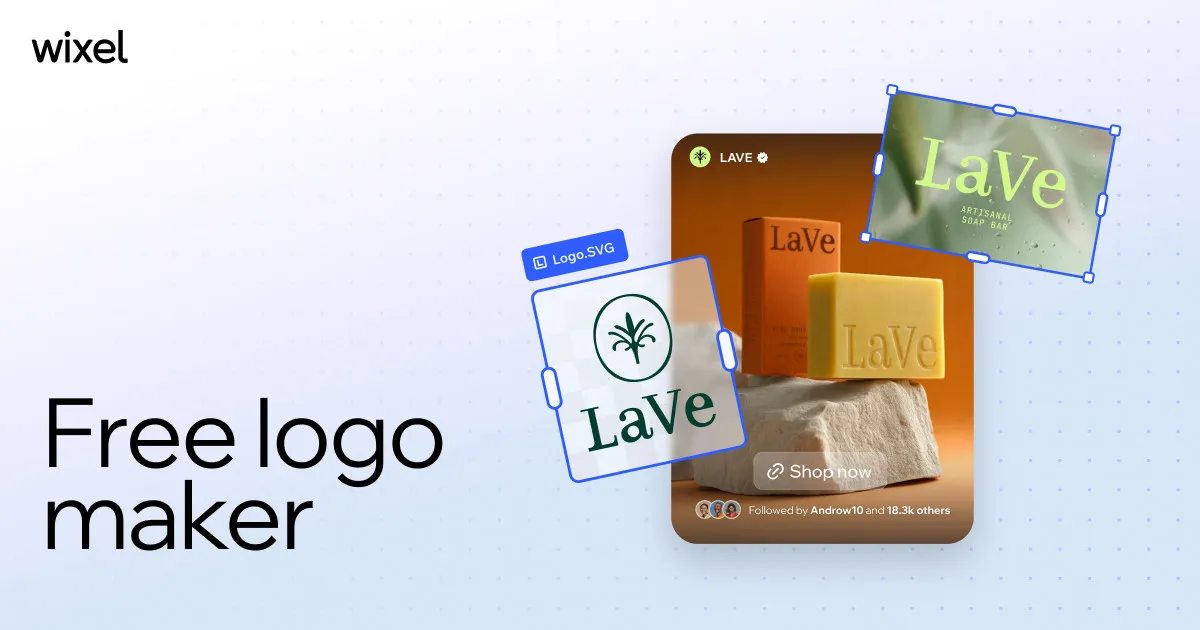

You have registered a business name, you need a logo before you can print a business card or launch a landing page, and a freelance designer has quoted a fee and a two-week turnaround you do not have. This is the exact gap Wix Logo Maker is built to close: it aims to get a usable, editable brand mark in front of a non-designer in minutes rather than weeks, and to charge only once you commit to a design.
What Wix Logo Maker actually is
Wix Logo Maker is an AI-driven logo generator from Wix, the website-building company. The workflow is deliberately narrow: you enter your brand name, indicate your industry, and answer a short set of style questions, and the tool generates multiple logo concepts to react to. From there you can open any concept in an editor and adjust colors, fonts, icons, and layout before you decide to keep it.
Two points are worth flagging up front. First, Wix now steers new users toward a newer design product, Wixel, on its logo maker page; the page states that the original Wix logo maker "is still available, but with limited AI support and fewer assets." So "Wix Logo Maker" today can mean either the classic tool or the newer Wixel-based experience, and the two differ in how they meter AI usage. Second, the core promise is the same across both: designing and previewing costs nothing, and you commit money only when you want the finished files.
Who it fits and who it does not
This is a tool for people who are not designers and do not want to become one. Founders, solo operators, side-project owners, and small-business marketers who need a clean, professional-enough mark quickly are the natural audience, especially anyone already building or planning to build a site on Wix, where a finished logo can be dropped straight into the site's Media Manager. If you want brand consistency across a Wix site without hiring anyone, the alignment is obvious.
It is a poor fit if you need a distinctive, strategically developed identity, a full brand system, or a mark that will be scrutinized by a design-literate audience. AI logo generators produce competent, on-trend results, but they draw on the same visual conventions everyone else is prompting against, so genuine differentiation is not their strength. Businesses in crowded, design-sensitive markets, or anyone planning heavy trademark reliance, should treat the output as a starting point rather than a final answer.
The features that carry the tool, and why they matter
The guided generation flow is the whole reason a non-designer can use this. By converting "design a logo" into three concrete inputs (name, industry, style), it removes the blank-canvas problem that stalls people who have no visual vocabulary. The tradeoff is that your creative direction is only as good as those inputs, so the more specific and honest you are about your style preferences, the less generic the concepts feel.
The post-generation editor matters more than the generation itself. Being able to change colors, fonts, icons, and layout after the AI proposes a concept is what separates a usable tool from a novelty. In practice you will rarely accept a raw AI suggestion verbatim; the value is in nudging a near-miss into something that fits. Wix notes that manual edits of this kind do not consume AI credits in the newer Wixel experience, which is a meaningful detail if you like to iterate a lot before settling.
The file exports determine whether the logo is actually deployable. Vector export in SVG is the important one: vectors scale to any size without going blurry, which is what you need for signage, large print, or a crisp favicon. The tool also produces raster formats such as PNG, including transparent-background versions, and JPG, with high-resolution options selectable at download. Transparent PNGs matter because they let the logo sit cleanly on colored backgrounds, headers, and social profiles without a white box around it.
Beyond the logo file itself, the tool is associated with supporting brand assets. The classic product's materials describe extras such as a social media kit with pre-sized versions for major platforms, a favicon for websites, and a brand guide, while the newer experience can generate a brand theme from your logo's colors for reuse across other designs, plus an AI tagline generator. These reduce the fiddly downstream work of resizing and recoloring a logo for every channel. Which of these are bundled depends on the version and package you buy, and Wix does not publish a fixed, itemized breakdown on the maker page, so confirm what a given tier includes before paying.
Where it earns its keep
Concrete situations where this kind of tool is a reasonable choice:
- Launching a new small business or side project that needs a presentable logo before spending on custom design.
- Building a website on Wix and wanting a matching brand mark that uploads directly into the site.
- Producing a placeholder or v1 identity you expect to refine later, when speed matters more than uniqueness.
- Generating the many resized and transparent variants a logo needs for social profiles, favicons, and print, without doing that work by hand.
- Testing several visual directions cheaply before deciding whether a paid designer is worth it.
You can browse other options in the AI logo generator category if you want to compare approaches before committing.
How the pricing works
The model is freemium: designing and previewing is free, and you pay to download. On the newer Wixel-based experience, generation is metered with AI credits (a free plan includes a set number, and paid plans add more), while manual edits are free and downloads are described as available across plans. The classic product's materials instead frame it as a one-time purchase to unlock downloads, with higher tiers adding vector files and the extra brand assets. Wix does not publish specific dollar amounts or a definitive list of named package tiers on the maker page, so the exact price and what each tier contains are not something I can state as fact here; check the current checkout screen for the version you are using. The practical takeaway is unchanged: you can validate whether the tool produces something you like before spending anything.
The honest drawbacks
The biggest limitation is inherent to AI logo generation rather than specific to Wix: results tend toward the generic. The tool is optimized for "good enough, fast," not for a defensible, one-of-a-kind identity, and a trained eye can often tell. The version confusion is a second friction point; because Wix is transitioning users toward Wixel and describes the older maker as having "limited AI support and fewer assets," it is easy to be unsure which product and which asset set you are actually buying into. The credit-based metering on the newer tool also means heavy AI iteration can push you toward a paid plan sooner than you expect, even though manual tweaks are free. And the strongest integration benefit, one-click use inside a Wix site, is only fully realized if you are in the Wix ecosystem; users on other platforms still get standard file downloads but lose that convenience.
The verdict
Wix Logo Maker is a sensible choice for the specific person it targets: a non-designer who needs a clean, editable logo quickly and cheaply, particularly one already on Wix. The try-before-you-buy structure meaningfully lowers the risk, since you can see real output before paying, and the vector and transparent-background exports mean the result is genuinely usable rather than a locked low-res preview. Just calibrate expectations. This produces a competent brand mark, not a distinctive brand strategy, and the muddled positioning between the classic tool and Wixel means you should read the checkout carefully to confirm the format and asset set you are paying for. As a fast, low-cost first logo or a Wix-native brand asset, it does the job; as the final word on a serious brand identity, it is a starting point. For broader context, see our tool directory and the blog.
Common questions
Is Wix Logo Maker free?
Designing and previewing a logo is free, and the newer Wixel-based version offers a free plan with a set number of AI credits. You pay to download the finished files; Wix does not publish a fixed price on the maker page, so confirm the current cost at checkout.
Can I get a vector file for print and signage?
Yes. The tool exports vector SVG files, which scale to any size without losing sharpness, alongside raster formats like PNG (including transparent background) and JPG at high resolution.
Do I have to use Wix's website builder to use it?
No. The logo maker works on its own and produces downloadable files. If you do build on Wix, the extra benefit is that the logo uploads directly into your site via the Media Manager for consistent branding.
What is the difference between Wix Logo Maker and Wixel?
Wixel is Wix's newer design tool, and the logo maker page now steers users toward it. Wix states the original logo maker "is still available, but with limited AI support and fewer assets," and the newer experience meters AI generation with credits while keeping manual edits free.
Will the logo be unique to my business?
Not guaranteed. AI logo generators produce professional but often conventional results drawn from common design patterns, so the output is best treated as a strong starting point rather than a wholly original, trademark-ready identity.