
The short version
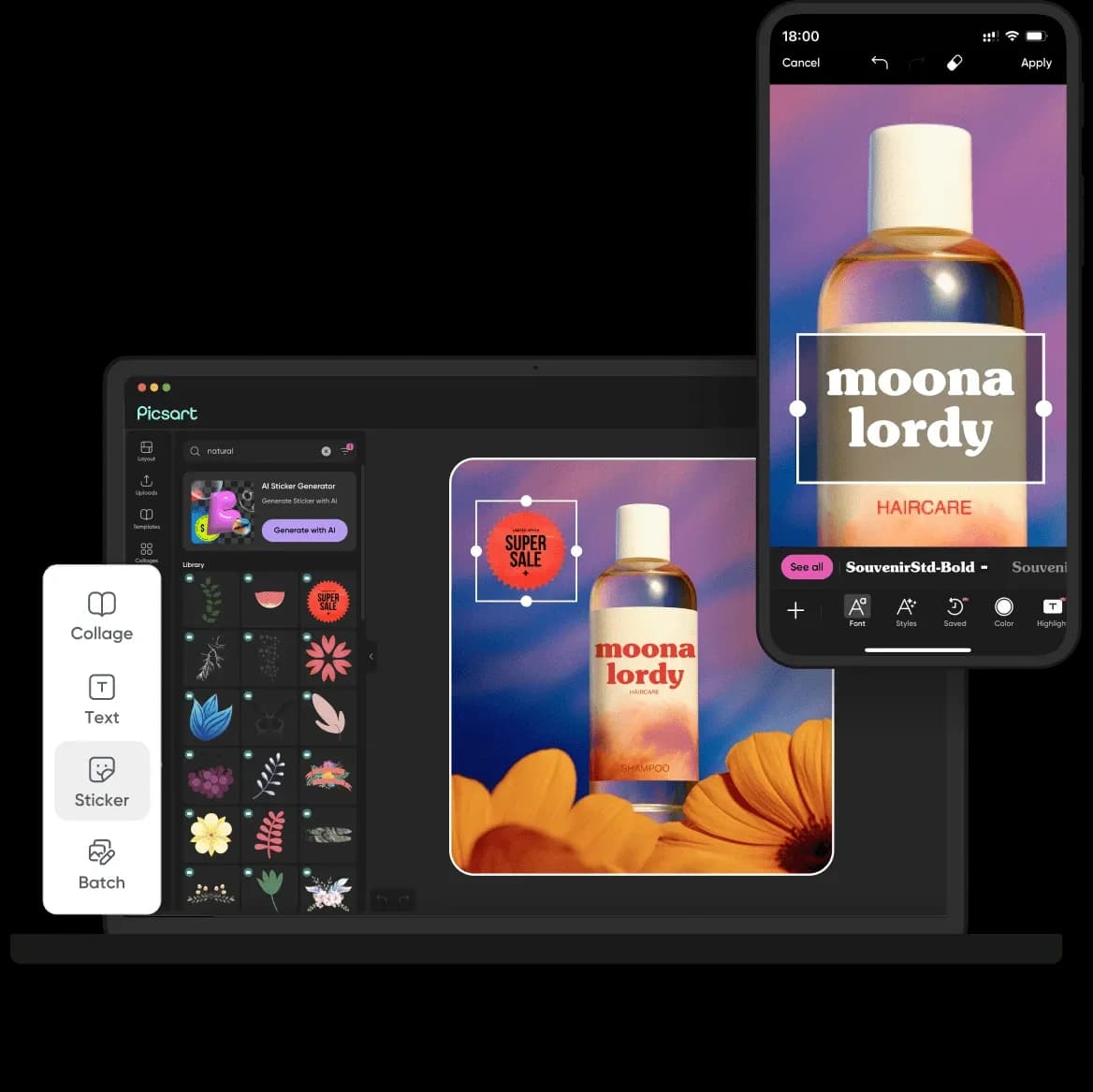
Picsart AI is a breadth play, not a depth play. Its strongest argument is that a single subscription gives you a full photo and video editor plus access to a large rotating catalog of generative models the company says exceeds 140, spanning image, video and audio. If your work is high-volume and format-varied social content, product imagery, quick edits, marketing assets, that consolidation is genuinely useful. If you need one specific model at its best, or you produce a low volume of high-stakes hero assets, you are probably better served by a specialist tool. Buy Picsart for the workflow and the aggregation, not because any individual generator here is the finest available.
Who gets the most out of it
The platform is aimed at creators who ship a lot and value not switching apps. Based on the tools the vendor documents, it lands best for:
- Social media managers and solo creators who need to turn one idea into posts, thumbnails, reels and stories without stitching together three or four separate subscriptions.
- Small business marketers producing product shots, promotions and ads where "good and fast" beats "perfect and slow."
- Teams that want brand consistency, since paid tiers include brand kits (Picsart calls out multiple kits on Pro and more on Ultra) to lock in colors, fonts and logos across output.
- People who prototype with generative models and want to compare outputs from several models in one place rather than maintaining accounts across many providers.
It is a weaker fit for photographers doing meticulous raw retouching, for print-focused designers who need precise color and vector control, and for anyone whose entire budget hinges on one flagship model being available at a guaranteed quality tier, more on that risk below.
What the tools actually do, and the tradeoffs
Photo editing plus AI cleanup
The core is a photo editor layered with AI shortcuts: one-tap background removal, an object eraser, retouch, and an AI image extender that fills out-of-frame areas. The practical value is speed. Background removal alone is the kind of task that used to mean manual masking; here it is a click, and for social-resolution output it is usually good enough. The tradeoff is control. Automated removal and fill can fumble hair edges, fine detail or complex backgrounds, and Picsart does not publish accuracy guarantees. Treat these as accelerators you spot-check, not as guaranteed final passes.
A model aggregator for image and video generation
The most distinctive part of Picsart is that it functions as an aggregator. The site lists dozens of image and video models available inside the same interface, and advertises access to a large catalog on higher tiers. That is the real reason to consider it over a single-model service: you can test different generators against the same brief and pick whichever handled your prompt best, without separate logins or billing.
Two honest caveats. First, third-party model line-ups change constantly, the specific models shown today are not a contractual promise, so evaluate the platform on the concept of aggregation rather than on any one model being present forever. Second, aggregation trades peak quality for convenience; a dedicated tool built around one model will often expose more parameters and finer control than a catalog view designed for breadth.
Video creation and animation
Picsart offers text-to-video and image-to-video animation alongside a template-driven video editor. For short-form social clips, template assembly and quick animation are where most users will get value. Generative video in general is compute-heavy and credit-hungry, and output length and resolution are constrained, so plan for these to consume your monthly credits faster than still-image tasks.
Stylized avatars, characters and creative workflows
Beyond straight editing, the platform includes character and avatar generation, photo-to-cartoon styles, and higher-level features the vendor markets as creative workflows and prompt-based ("chat-style") editing, plus a set of AI "agents" for automation. These are useful for producing profile art, themed series content or repeatable pipelines. They are also the features most likely to evolve or get rebranded release to release, so weigh them as a direction of travel, not a fixed spec.
Templates, assets and brand kits
A large template and asset library underpins everything, and it is arguably the unsung reason the tool is fast to work in, you are rarely starting from a blank canvas. For teams, brand kits are the feature that justifies a paid plan: consistent fonts, colors and logos applied across a group's output is a real time-saver and a governance win.
Where it falls short
- Breadth over mastery. Aggregating many models is convenient but rarely matches a specialist tool's depth of control for a given model. Power users will hit ceilings.
- Credit-metered generation. Generative image, video and audio consume credits. The vendor notes monthly credits expire monthly (add-on credits you buy don't expire until used), so heavy generative use can push you up a tier or into buying more credits.
- Moving catalog. The exact roster of third-party models is not guaranteed and shifts over time. If your process depends on a particular named model, confirm it is still offered before committing.
- AI results need review. Automated masking, extension and generation can produce artifacts; none of this is a substitute for a careful human check on client or commercial work.
- Not built for precision print/vector work. This is a raster-first, social-first suite.
How pricing is structured
Picsart uses a subscription model. The vendor's own materials describe a free/freemium entry point with core editing and limited AI usage, and the pricing page presents three paid tiers. Prices are shown region-specifically (the page I reviewed displayed local currency, not US dollars), and the company advertises meaningful annual discounts, so confirm the current number for your region on the official checkout rather than trusting any figure quoted second-hand.
| Plan | Positioning | Notable inclusions (per vendor) |
|---|---|---|
| Free | Entry / trial | Core editing tools, limited AI credits, watermarks/limits apply |
| Pro | Individual creators | Monthly credits, AI photo/video editing, background removal, cloud storage, multiple brand kits, bulk edit |
| Ultra | Power users / small teams | Higher usage than Pro, access to the full model catalog, more brand kits, team seats, more storage |
| Enterprise | Organizations | Custom credit volume, API access, SDKs, white-label options, enterprise security and SLAs (contact sales) |
The practical read: Pro is the individual creator tier, Ultra adds team seats and the widest model access, and Enterprise is where API and white-label needs are met. Because generation is credit-based, estimate your monthly volume before picking a tier, credits, not features, are what most people run out of.
How it compares and when to look elsewhere
Picsart's competitive edge is consolidation: photo, video, generative models and brand tooling under one login. If your need is narrow, one specific style of image generation, meticulous retouching, or vector-precise design, a dedicated tool in that niche will usually give you more control, and you may not need everything Picsart bundles. If your need is broad and high-volume, the case for a single suite is stronger. Rather than name specific competitors, the useful test is this: list the two or three tasks you do most, then ask whether a specialist would meaningfully outperform Picsart on those specific tasks. If yes, pair a specialist with a lighter editor; if no, the all-in-one saves you money and app-switching. You can browse other options in the AI image editing category or read broader comparisons on the blog.
Common questions
Is there a free version of Picsart AI?
Yes. The vendor documents a free entry point that includes core editing tools and a limited amount of AI usage. Expect limits and watermarks on the free tier; unlimited or higher-volume AI use, no watermarks and premium content sit behind the paid plans.
Does Picsart include real generative AI, or just filters?
It includes genuine generative capability. The platform provides text-to-image and image/video generation and, per the vendor, access to a large catalog of third-party models (advertised as more than 140 across image, video and audio) inside one interface, alongside traditional editing tools like background removal and object erase.
What do the paid tiers unlock?
Based on the vendor's pricing page, Pro targets individual creators with monthly credits, AI editing, background removal, cloud storage and brand kits; Ultra adds higher usage, the full model catalog, team seats and more storage; Enterprise adds custom credit volumes, API access, SDKs, white-label options and enterprise security. Exact prices are shown by region on the official site.
Why is generation limited even on a paid plan?
Generative features are metered with credits. The vendor states monthly credits expire each month, while separately purchased add-on credits remain until used. Heavy image or, especially, video generation draws credits quickly, which is what typically pushes users to a higher tier or to buying more credits.
Can I automate or integrate Picsart into my own product?
The vendor lists API access, SDKs and white-label options at the Enterprise tier, contact-sales rather than self-serve. Individual and team plans (Free, Pro, Ultra) are positioned for use inside Picsart's own apps rather than as a developer integration.