

ChatGPT AI vs Free AI Tools: Full 2026 Comparison
Should you stick with ChatGPT or switch to other free AI tools in 2026? Here's an honest, side-by-side comparison to help you decide.
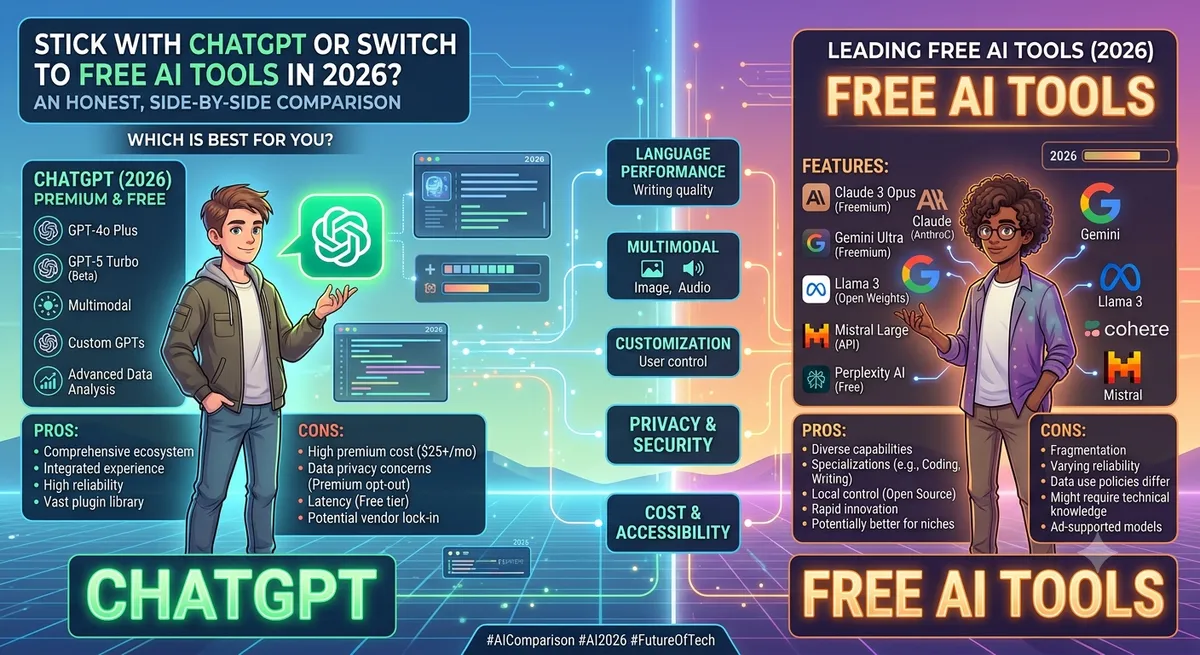
ChatGPT is the tool most people think of first when they hear "AI," and for good reason — it was the one that made this whole category mainstream. But in 2026, it's no longer the only serious option, and its free tier comes with real limitations that push a lot of users toward alternatives.
This comparison looks at where ChatGPT AI genuinely holds up, where free alternatives outperform it, and how to decide what actually fits your workflow.
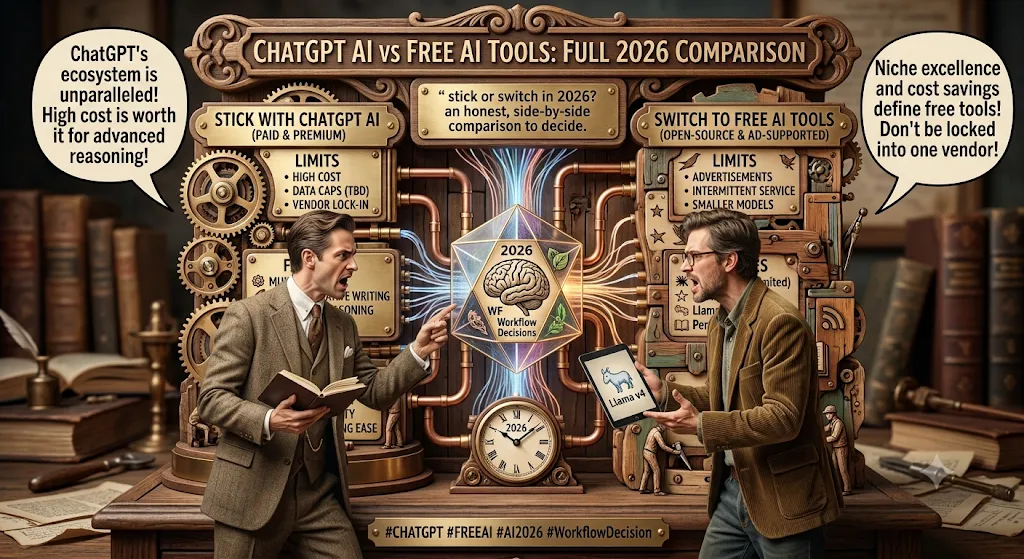
What ChatGPT's Free Tier Actually Gives You
The free version of ChatGPT covers a surprising amount: general chat, brainstorming, basic research, light coding help, and simple image generation. For casual users who just need occasional help drafting an email or explaining a concept, it's genuinely sufficient.
The catch is volume. Free users are capped on the number of messages allowed within a rolling time window, and several advanced features — deeper reasoning modes, unlimited file uploads, and priority response speed — sit behind the paid tier. Heavy users tend to hit that wall within the first few days of regular use.
Where Free Alternatives Start Winning
Once you go past casual use, a few gaps in ChatGPT's free tier become obvious, and this is exactly where alternatives carve out their advantage:
- Long documents: Some competing assistants handle much longer context windows on their free tier, meaning you can paste in entire reports or codebases without losing earlier context.
- Source-grounded research: Tools built specifically around your own uploaded documents avoid the risk of confidently-wrong answers that general chatbots occasionally produce.
- Ecosystem integration: If your work already lives inside Google Docs, Gmail, or Sheets, an assistant built into that ecosystem saves real time versus copy-pasting into ChatGPT.
- Coding-specific workflows: Dedicated coding assistants often provide better in-editor completions than a general chatbot's code suggestions.
We cover these alternatives in much more depth in our dedicated ChatGPT alternatives in 2026 guide.
Head-to-Head: Common Use Cases
Writing and Content Drafting
ChatGPT remains strong here, but dedicated AI writing assistants often outperform it on SEO structure, tone consistency, and repetitive content tasks like meta descriptions or product copy at scale. If content is your main use case, it's worth testing a specialist tool alongside ChatGPT — our AI writing assistant category and best free AI writing tools guide both cover strong free options.
Coding Help
ChatGPT is a solid general coding assistant, but developers working inside an IDE often get more value from tools built specifically for that environment, with in-line completions and codebase-aware suggestions. Browse the AI tools for developers list for options that go beyond a chat window.
Research and Studying
For research that needs to stay grounded in specific sources — textbooks, lecture notes, or PDFs — a document-grounded tool tends to be more reliable than ChatGPT's general knowledge, which can occasionally produce plausible-sounding but incorrect details. This matters especially for students; see the AI tools for students collection for source-grounded research options.
Marketing and Business Use
For campaign ideation and quick drafts, ChatGPT holds its own. But for SEO research, ad variation testing, or analytics summaries, specialized marketing AI tools tend to save more time long-term. Check the AI tools for marketers list to compare.
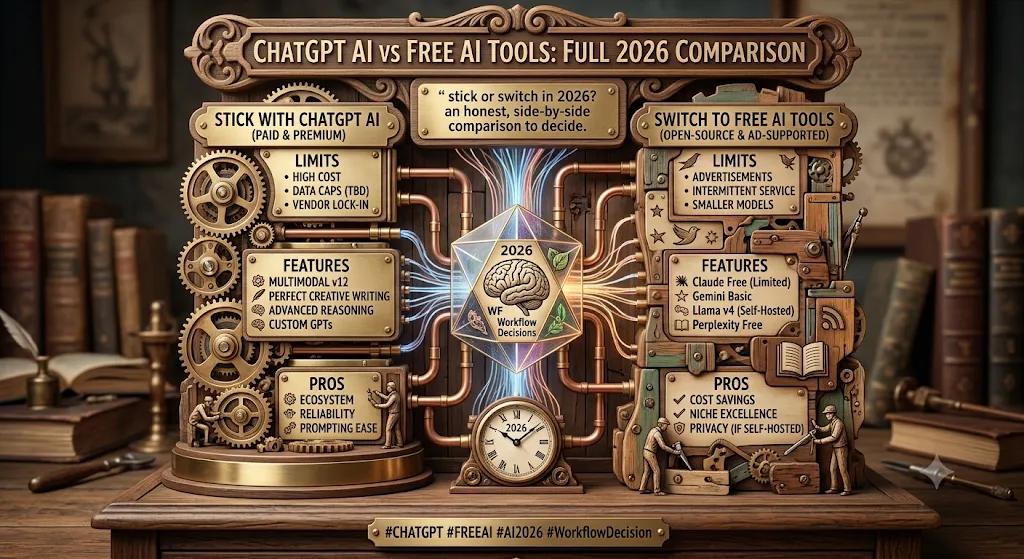
The "AI Stack" Approach: Why Most People Don't Pick Just One
In practice, very few power users rely on ChatGPT alone anymore. The more common pattern in 2026 is building a small stack: one general assistant for everyday chat, one specialist tool for your main task (writing, coding, or research), and occasionally a third tool for something niche like meeting summaries or presentation generation. This avoids hitting rate limits on any single tool while getting better results per task than a single generalist can offer.
Cost Comparison: Free Tier Limits
While exact limits shift as providers update their pricing, the general pattern holds: ChatGPT's free tier caps message volume over a rolling time window, most Google AI tools cap total usage per day, and open-source or self-hosted options have no usage cap at all but require some technical setup. If cost predictability matters more than convenience, self-hosted tools are worth exploring once you're comfortable with the setup.
Frequently Asked Questions
Is ChatGPT still the best free AI tool overall?
For general-purpose, no-setup use, yes — it remains one of the most flexible free options available. Specialist tools only pull ahead for specific, high-volume tasks.
What's the biggest downside of ChatGPT's free tier?
Message limits within a rolling time window are the most common frustration, especially for users who rely on it throughout the workday.
Should I switch from ChatGPT entirely?
Not necessarily. Most users get better results keeping ChatGPT for general tasks and adding one specialist tool for their primary use case rather than switching completely.
Are free alternatives to ChatGPT actually as good?
For specific tasks — like source-grounded research or in-editor coding — some free alternatives genuinely outperform ChatGPT. For general flexibility, ChatGPT still holds a slight edge.
Final Thoughts
ChatGPT earned its reputation for a reason, but treating it as the only free AI tool worth using in 2026 means missing out on options that are genuinely better suited to specific tasks. The smartest approach is pairing it with one or two specialist tools rather than picking a single winner. Browse the complete AI tools directory to build your own stack by category and pricing.
Want to stay updated?
Get the latest AI tool reviews and news delivered to your inbox.