

All AI Tools in One Place: 2026 Ultimate List
Tired of bookmarking ten different AI tool lists? Here's every major category of AI tool in one place, with free vs paid options broken down clearly.
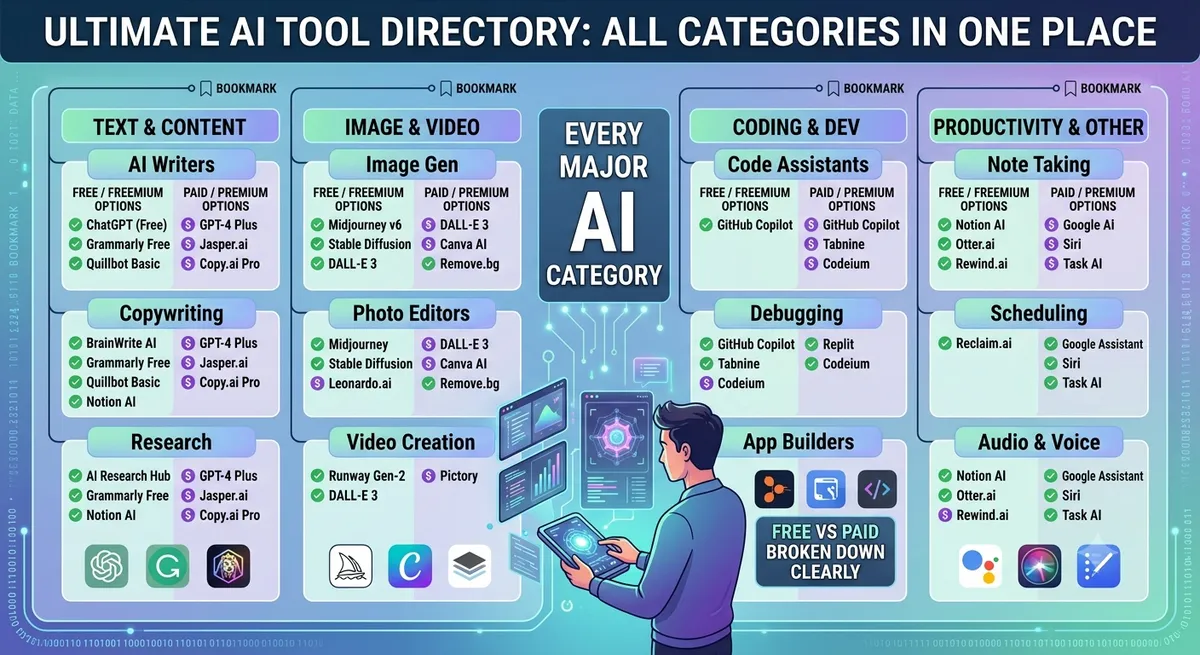
If you've spent any time searching for AI tools, you already know the problem: every list covers one narrow slice — just chatbots, just image generators, just coding assistants. Finding all AI tools that matter, across every category, usually means opening a dozen browser tabs.
This guide fixes that. Instead of ranking ten random chatbots again, we're organizing the entire AI tools landscape by category, so you can find what you actually need in one pass — and where to go for continuously updated, filterable options.
Why "All AI Tools" Is Hard to Track in 2026
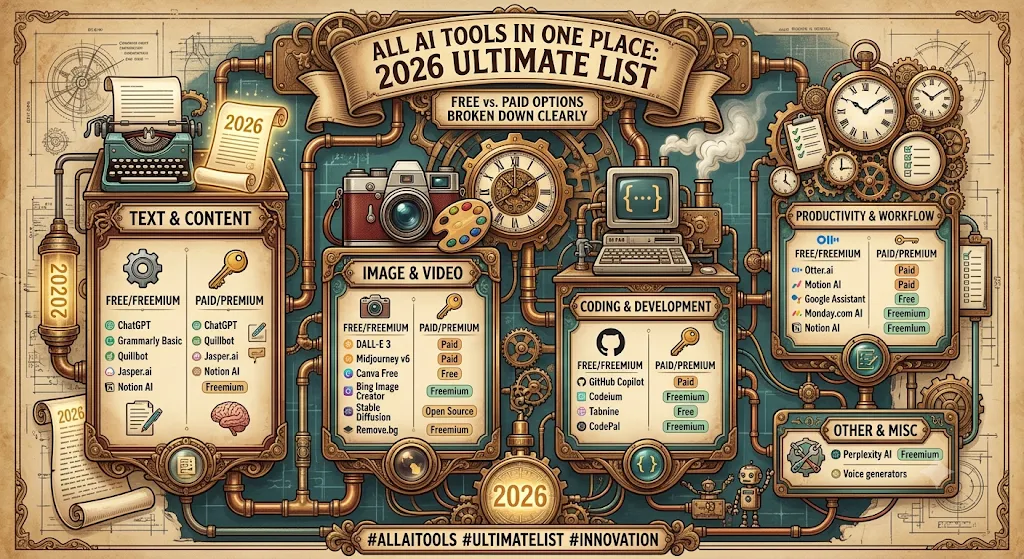
New AI tools launch faster than any single blog post can keep up with — often dozens per week across writing, coding, video, and productivity categories. A static list from six months ago is already missing half the useful new entrants. That's the core reason a living, filterable directory works better than a one-time roundup: it stays current instead of going stale.
AI Chatbots and Assistants
This is the most crowded category, and also the one most people start with. ChatGPT remains the most widely adopted general-purpose assistant, while Google's Gemini has closed the gap significantly, especially for anyone already inside Google Workspace. Both have solid free tiers with different strengths — see our ChatGPT alternatives guide for a full breakdown of how they compare.
AI Writing Tools
Beyond general chatbots, a whole category exists purely for writing — SEO content generators, email drafters, grammar and tone polishers, and long-form blog assistants. These tools tend to outperform general chatbots specifically because they're tuned for structure, keyword targeting, and repetitive drafting tasks. Browse the full AI writing assistant category, or check our dedicated free AI writing tools guide for free-tier picks specifically.
AI Coding Tools
Developers have arguably benefited the most from AI tooling — autocomplete, in-editor chat, automatic test generation, and full feature scaffolding from plain-English prompts are now standard. Whether you work in Python, JavaScript, or anything else, there's a coding assistant built for your stack. The AI code generator category and broader AI tools for developers list both cover this space in depth.
AI Image and Video Tools
Image and video generation has exploded over the past two years, with quality now good enough for professional marketing and design work in many cases. Designers use these tools for photorealistic images, brand-consistent illustrations, and short-form video content — often cutting production time from days to hours.
AI Productivity and Automation Tools
This category covers meeting note-takers, email summarizers, and no-code automation platforms that connect dozens of apps without writing a line of code. For professionals drowning in repetitive admin work, these tools offer some of the highest time-savings of any AI category. Our AI productivity tools guide covers the platforms delivering the biggest measurable gains.
AI Tools by Role, Not Just Category
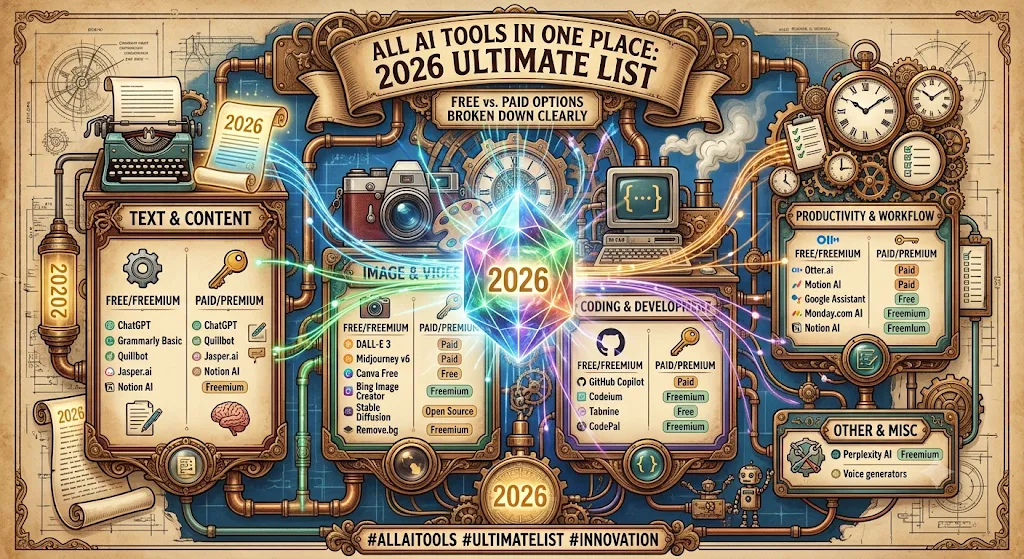
Category alone doesn't always tell you what to pick — your role matters just as much. A marketer and a developer both need "writing tools," but for completely different reasons.
- Developers: coding assistants, debugging tools, and documentation generators — see AI tools for developers.
- Marketers: SEO research, ad copy, and campaign analytics tools — see AI tools for marketers.
- Students: research assistants, summarizers, and citation tools — see AI tools for students.
Free vs Paid: How to Decide Quickly
With so many tools claiming to be "AI-powered," the fastest filter is pricing intent. Ask whether you need this tool occasionally (free tier is fine) or as a daily driver (a paid plan will likely pay for itself in time saved). Filtering by pricing tier directly, rather than reading review after review, is usually the faster path — which is exactly what a structured directory is built for.
How to Actually Use a Directory Instead of a Blog List
A blog post is a snapshot in time — accurate the day it's published, stale a few months later as tools update pricing or shut down entirely. A live, filterable directory solves this by staying current, letting you filter by category, pricing model, and user rating instead of scrolling through outdated rankings. That's the core idea behind keeping all AI tools in one place rather than a single static list.
Frequently Asked Questions
Is there really one place to find all AI tools?
A single blog post can't stay current given how fast new tools launch, but a regularly updated, filterable directory comes closest to covering everything in one place.
How do I compare AI tools by category efficiently?
Use filters for category, pricing, and role instead of reading individual reviews — it cuts evaluation time from hours to minutes.
Are there free options in every AI tool category?
Yes, writing, coding, image, and productivity categories all have genuinely free or generous freemium options worth trying before paying for anything.
Should I pick one AI tool or use several?
Most people end up using 2-4 tools across different categories rather than one universal tool, since specialist tools tend to outperform generalists on their specific task.
Final Thoughts
"All AI tools in one place" isn't really about a single tool doing everything — it's about having one trusted source to browse, filter, and compare across every category without starting from scratch each time. Explore the full AI tools directory on AI List Stack to see everything organized by category, role, and pricing.
Want to stay updated?
Get the latest AI tool reviews and news delivered to your inbox.