

The Best AI Design Tools Worth Trying in 2026
From logo generation to UI mockups, here are the best AI design tools in 2026 for designers, marketers, and anyone without a design background.

Design used to be the one creative skill AI struggled to touch meaningfully. That's changed fast — AI design tools in 2026 can now generate logos, UI mockups, and polished graphics that used to require real design training, cutting turnaround time from days to minutes for a lot of everyday design work.
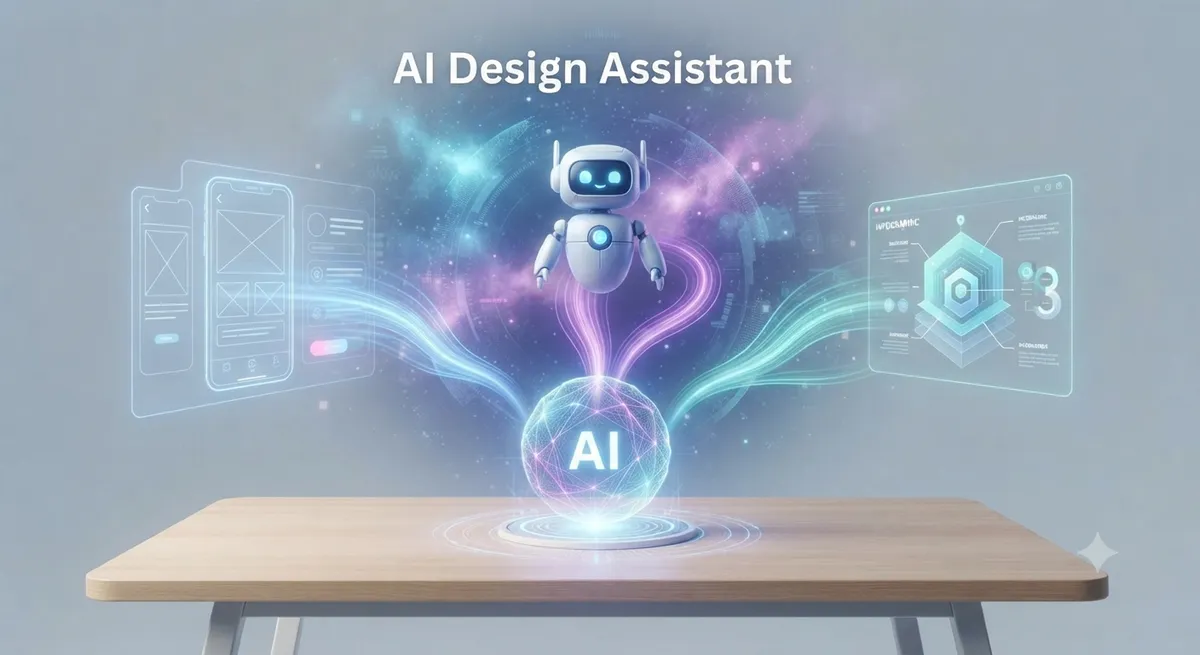
AI Image Generation for Design Work
General-purpose AI image generators have become genuinely usable for professional design tasks — product mockups, marketing visuals, and custom illustrations that would previously require either a designer or a stock photo subscription. Recent models have made particular progress on legible text rendering within generated images, a long-standing weak point that used to make AI-generated graphics unusable for anything with actual copy on it.
AI Logo and Brand Identity Generators
Dedicated logo generators can now produce a full set of brand assets — logo variations, color palettes, and typography pairings — from a short text description of your brand. These are especially useful for early-stage startups and small businesses that need a professional-looking identity without a full branding budget upfront.
AI UI and Product Design Tools
For product and web designers specifically, AI-assisted design tools can now generate full UI layouts, component variations, and even functional prototypes from a plain-language description or a rough sketch. This doesn't replace a skilled designer's judgment, but it dramatically speeds up the earliest exploration phase of a design project, letting teams look at several directions before committing to one.
AI Presentation and Slide Design
Turning raw content into a visually polished slide deck used to be one of the most tedious parts of presentation work. AI-assisted design tools can now generate full slide layouts, consistent theming, and even suggest visual hierarchy improvements automatically, which is a meaningful time-saver for anyone who presents regularly but isn't a trained designer.

AI Video and Motion Design
Design has expanded beyond static graphics — AI tools can now animate a static image, generate short video clips from text prompts, and add professional-looking transitions and motion to otherwise static content. Google's own entry here, Vids, has become genuinely useful for non-designers needing quick, polished video content; see our Google Vids guide for a full breakdown.
Free vs Paid AI Design Tools
Most AI design tools follow a familiar pattern: a free tier with capped generations per day or lower resolution output, with paid tiers unlocking higher volume, higher resolution, and commercial usage rights. For casual or occasional design needs, free tiers are often genuinely sufficient — it's really only teams producing design assets at volume who tend to need the paid tier.
How Non-Designers Can Use These Tools Well
The biggest mistake non-designers make with AI design tools is accepting the first generated output without iteration. Getting genuinely good results usually takes 3-5 rounds of refining the prompt — being specific about style, color palette, and composition rather than vague descriptions. Treating the first output as a rough draft rather than a final result consistently produces better outcomes.
Where AI Design Tools Still Fall Short
AI design tools remain weaker at highly specific brand consistency across a large number of assets, nuanced accessibility considerations (contrast, readability for users with visual impairments), and truly original creative direction that breaks from common visual patterns. For high-stakes brand work, a human designer reviewing and refining AI-generated starting points still produces meaningfully better results than fully automated output.
Pairing Design Tools With Content Tools
Design rarely happens in isolation from content — most marketing and content workflows need both visuals and copy together. Our AI writing assistant category and AI tools for marketers list both cover tools that pair naturally with a design-focused workflow.
Frequently Asked Questions
Can AI design tools replace a professional designer?
For simple, everyday design needs, often yes. For high-stakes brand work requiring nuanced judgment and consistency, a human designer reviewing and refining AI output still produces better results.
Are AI design tools free to use?
Many offer usable free tiers with generation caps or lower resolution, with paid plans unlocking higher volume and commercial usage rights.
What's the biggest limitation of AI design tools right now?
Consistency across a large number of related assets and genuinely original creative direction remain the weakest points compared to an experienced human designer.
Do I need design skills to use AI design tools effectively?
No, but understanding basic design principles (composition, color theory, hierarchy) helps you write better prompts and recognize which AI-generated output is actually good versus just novel.
Final Thoughts
AI design tools have moved well past novelty status — for everyday design needs, they now produce genuinely usable, professional-looking output in a fraction of the time manual design work would take. Explore more AI tools for creative and marketing work in the full AI tools directory on AI List Stack.
Want to stay updated?
Get the latest AI tool reviews and news delivered to your inbox.